Technical Direction for Compositing
〰️
Technical Direction for Compositing 〰️
Project 1: Lighting CG Objects through Compositing
Week 2
Update #1
This week I fixed my Arnold licensing issues and got started on the lighting setup and creating separate render layers for Beauty and Shadow.
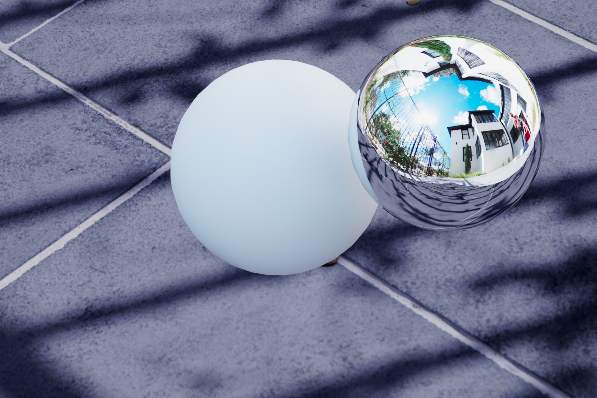
Beauty Layer Progress - need to isolate grey ball
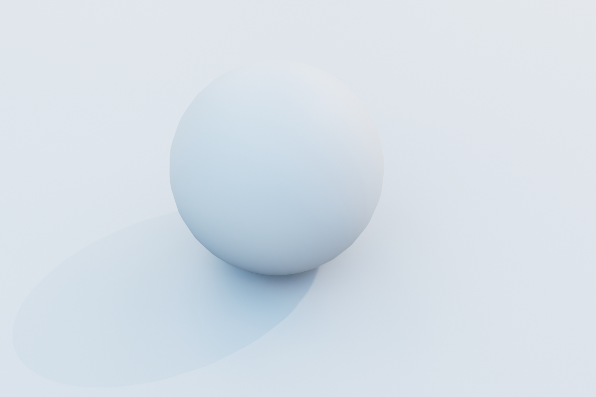
Shadow Layer Progress - need to isolate shadow
Week 1
Update #2
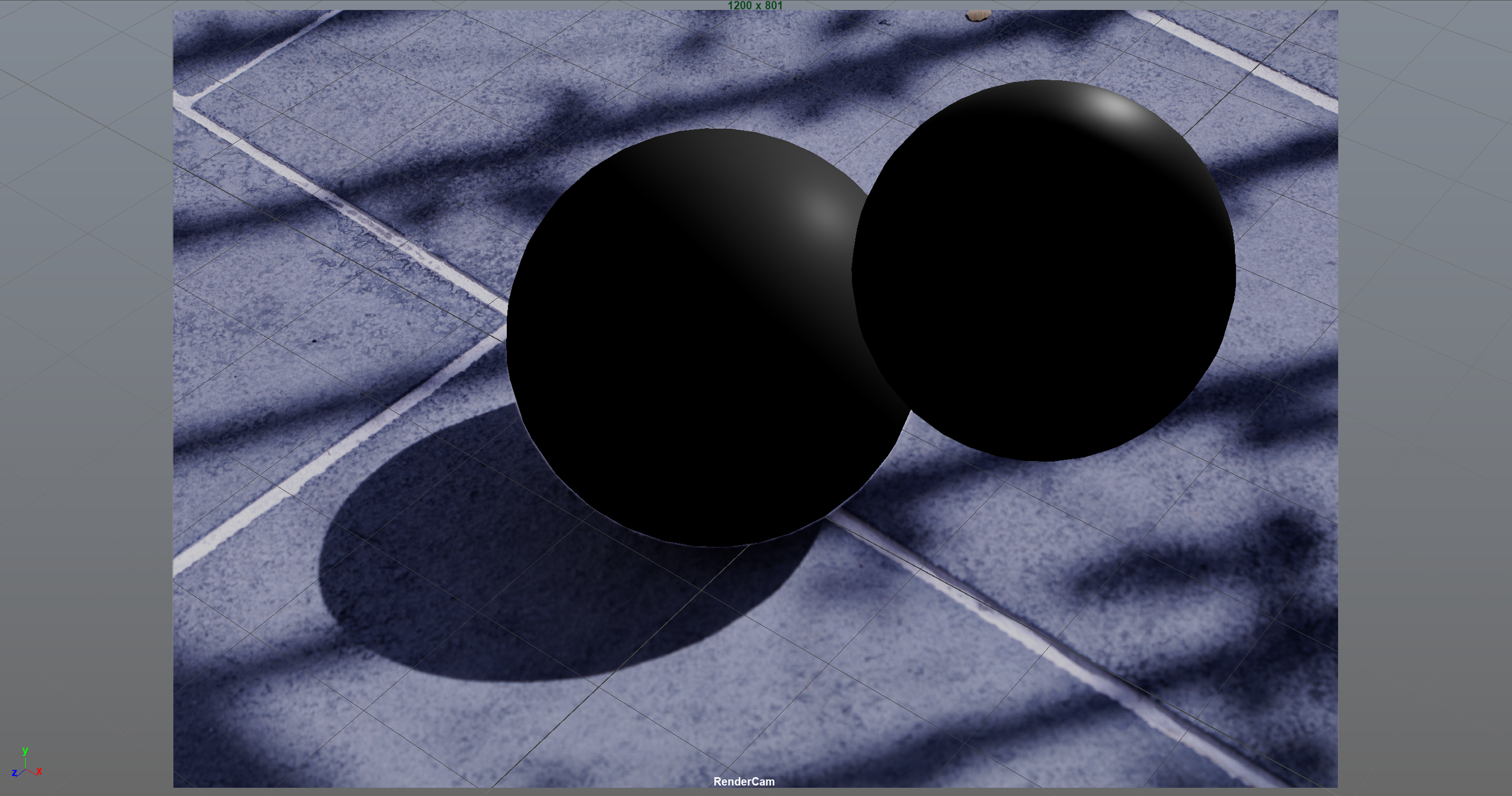
I have set up my chrome ball and white sphere accordingly in my scene, but when I tried to set up materials and lighting to do my first render test my Maya would constantly crash. I realized it is because of the error below that I get when opening my scene. I am researching to troubleshoot this, and I will get it working soon

Update #1
For the first project, we are required to do a 3D camera match to a background plate and successfully integrate a CG object using rendering and compositing. The object must accurately interact with the lighting in the image, and must roll through a shadowed area and show those lighting changes.
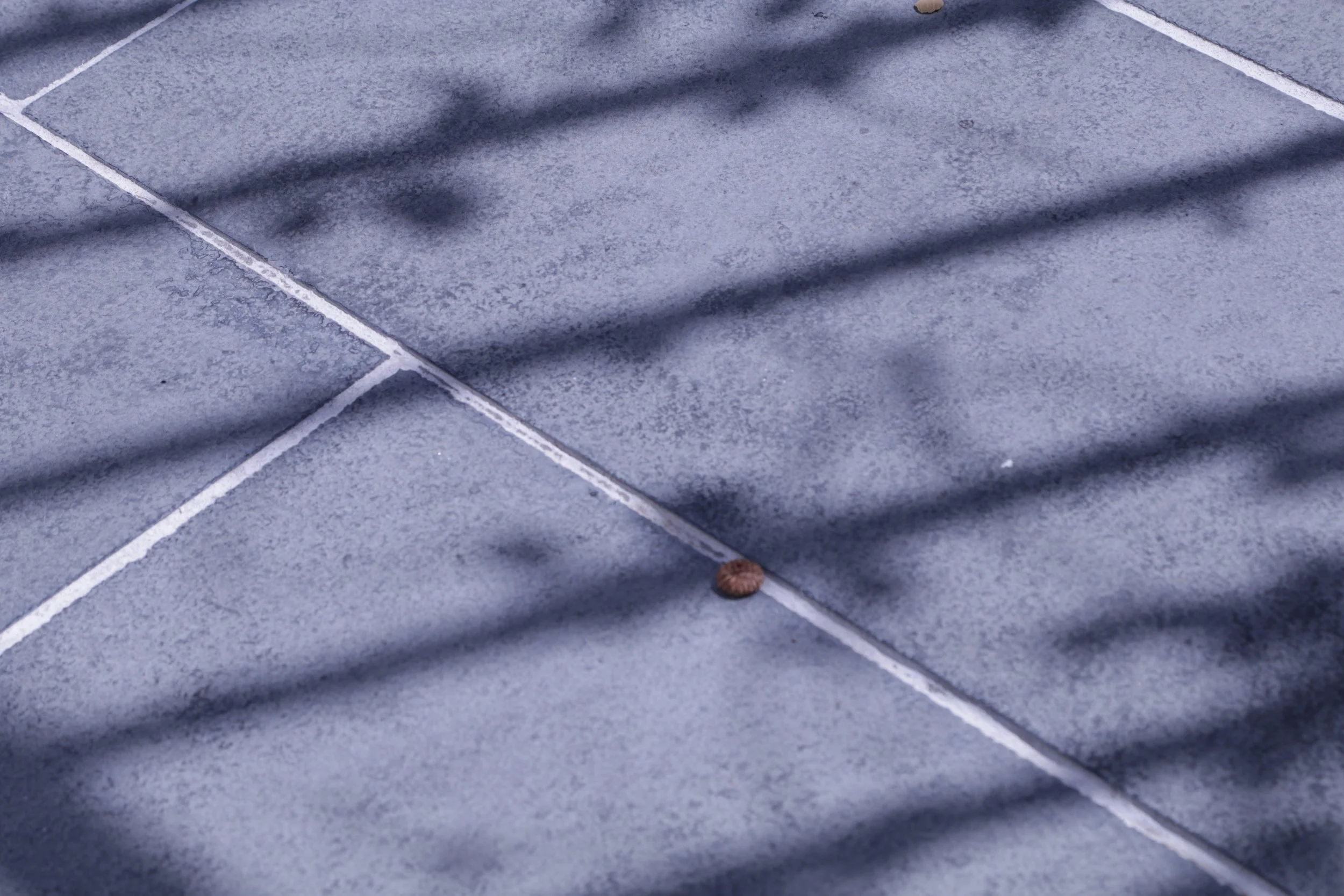
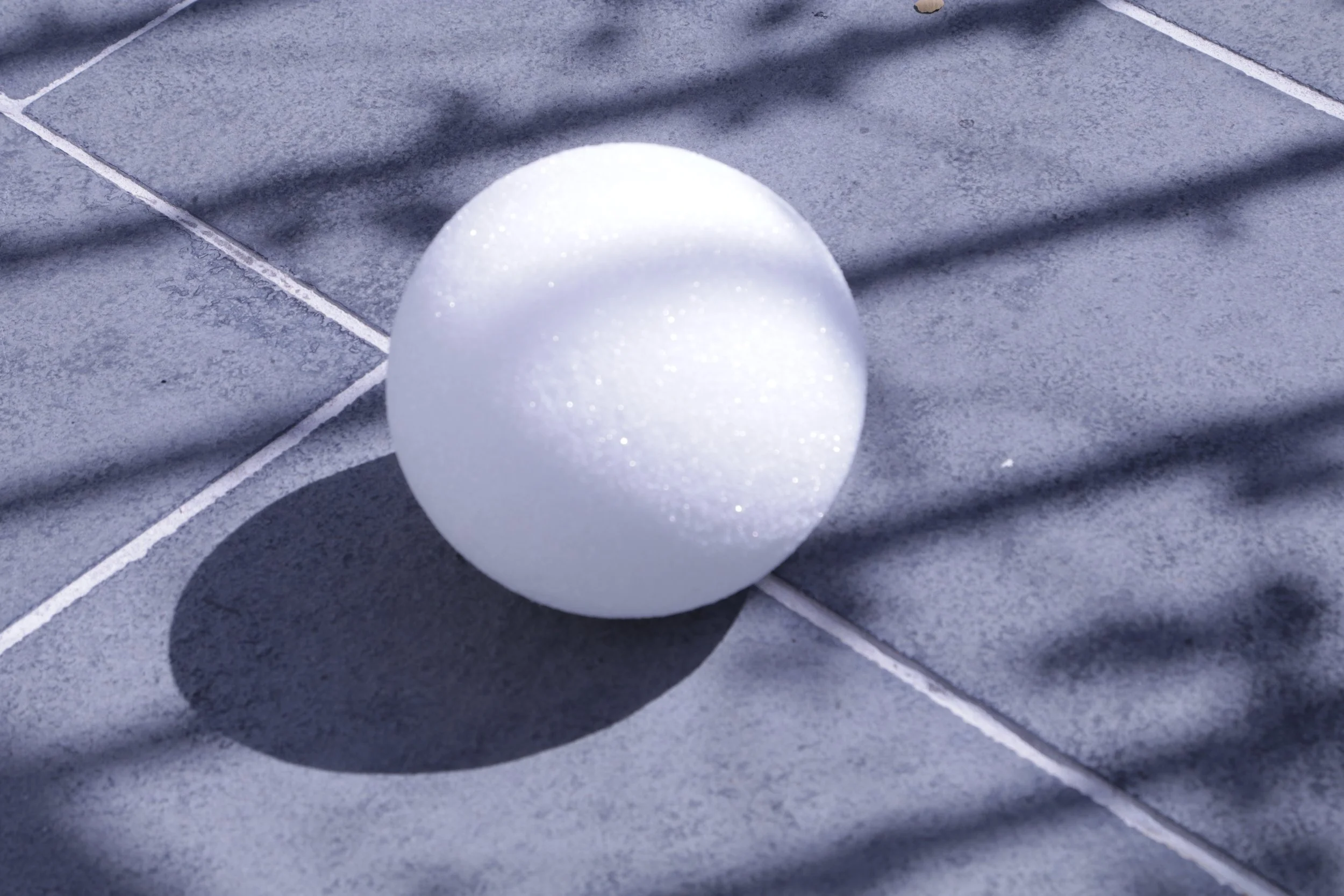
We were given a photo set library to choose from by Professor Gaynor for our reference photos. I chose this photo set of a blue sidewalk with an interesting shadow caused by a nearby fence.
These photos will be used for camera matching (wooden cube) and lighting (white sphere).
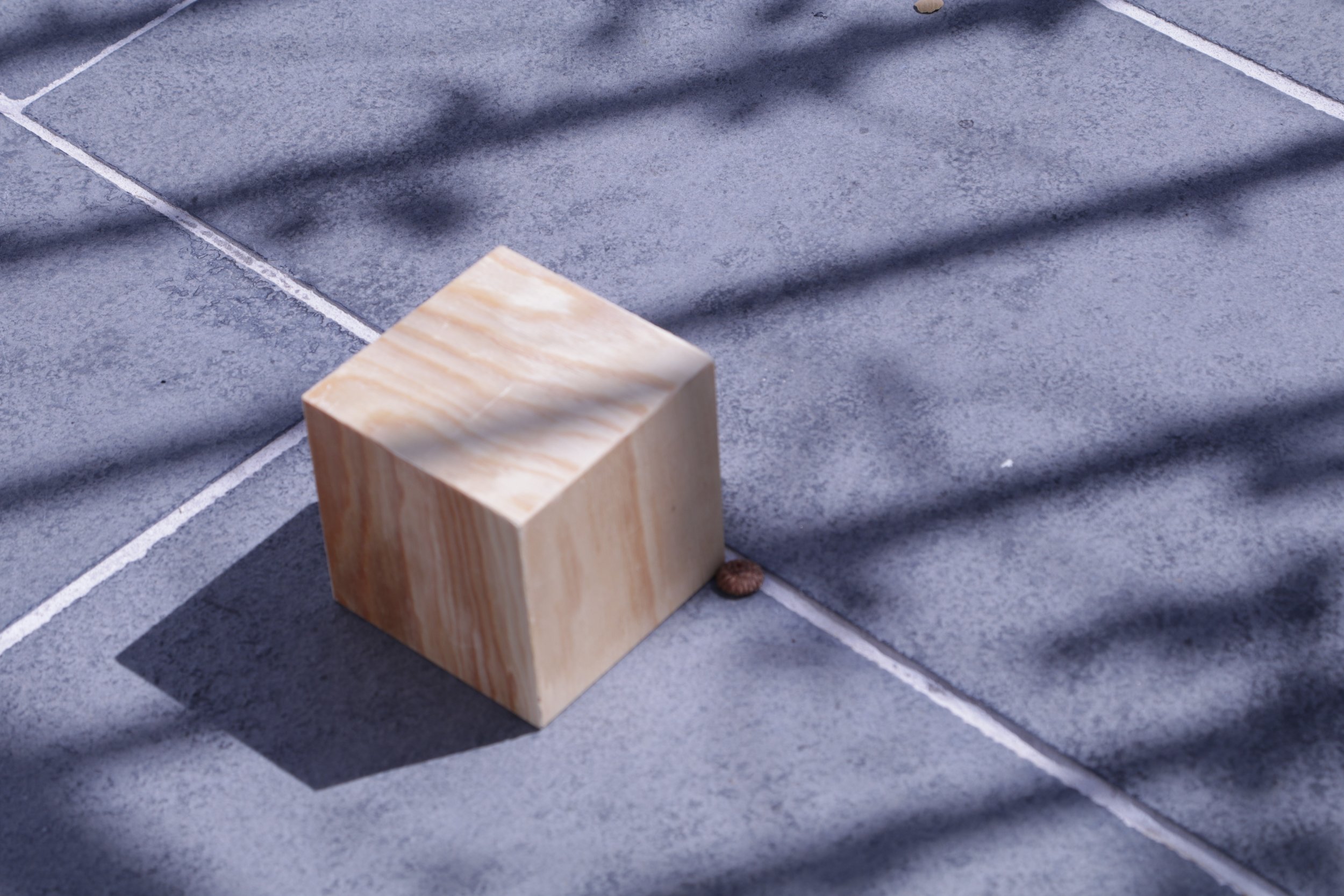
Camera Matching Attempt
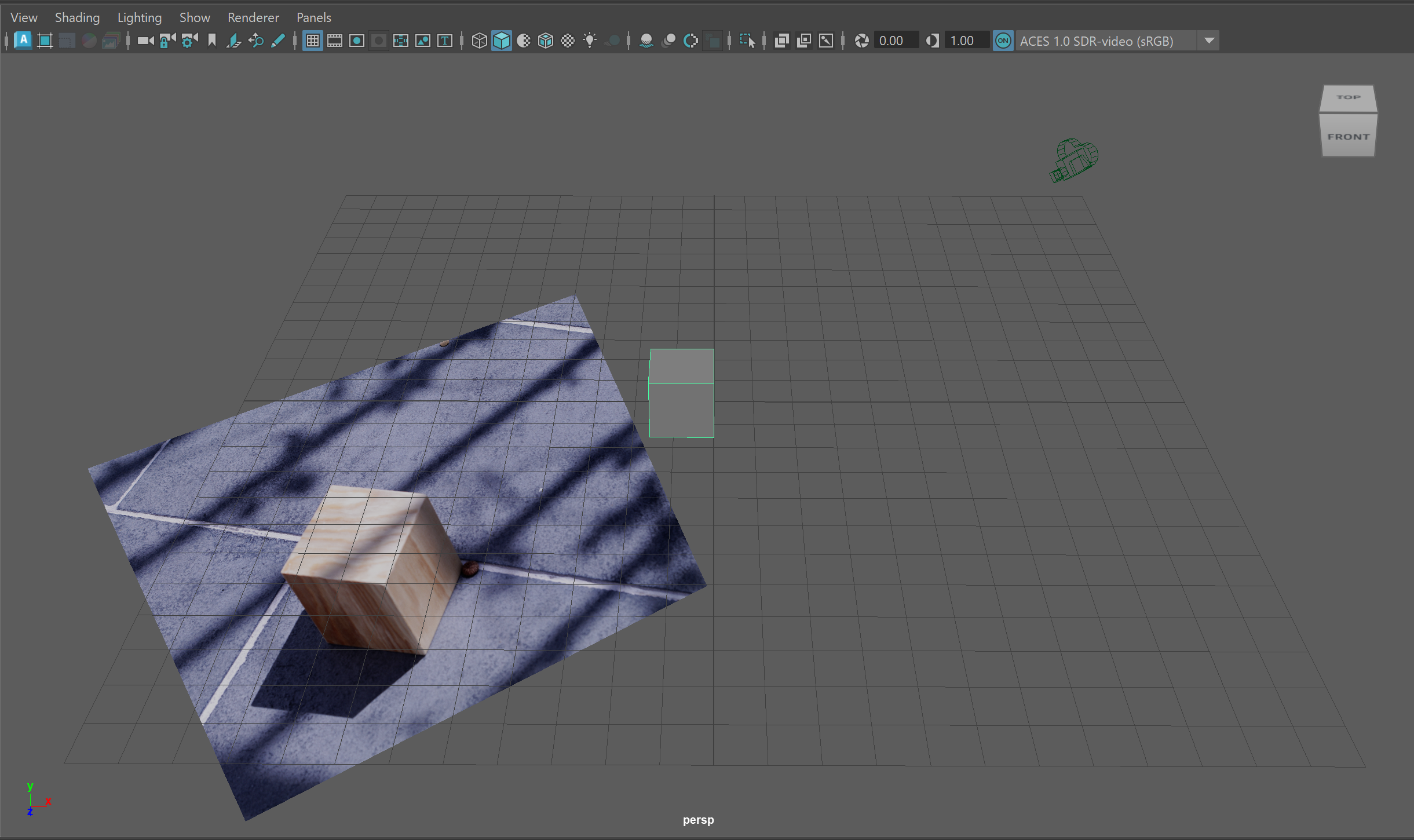
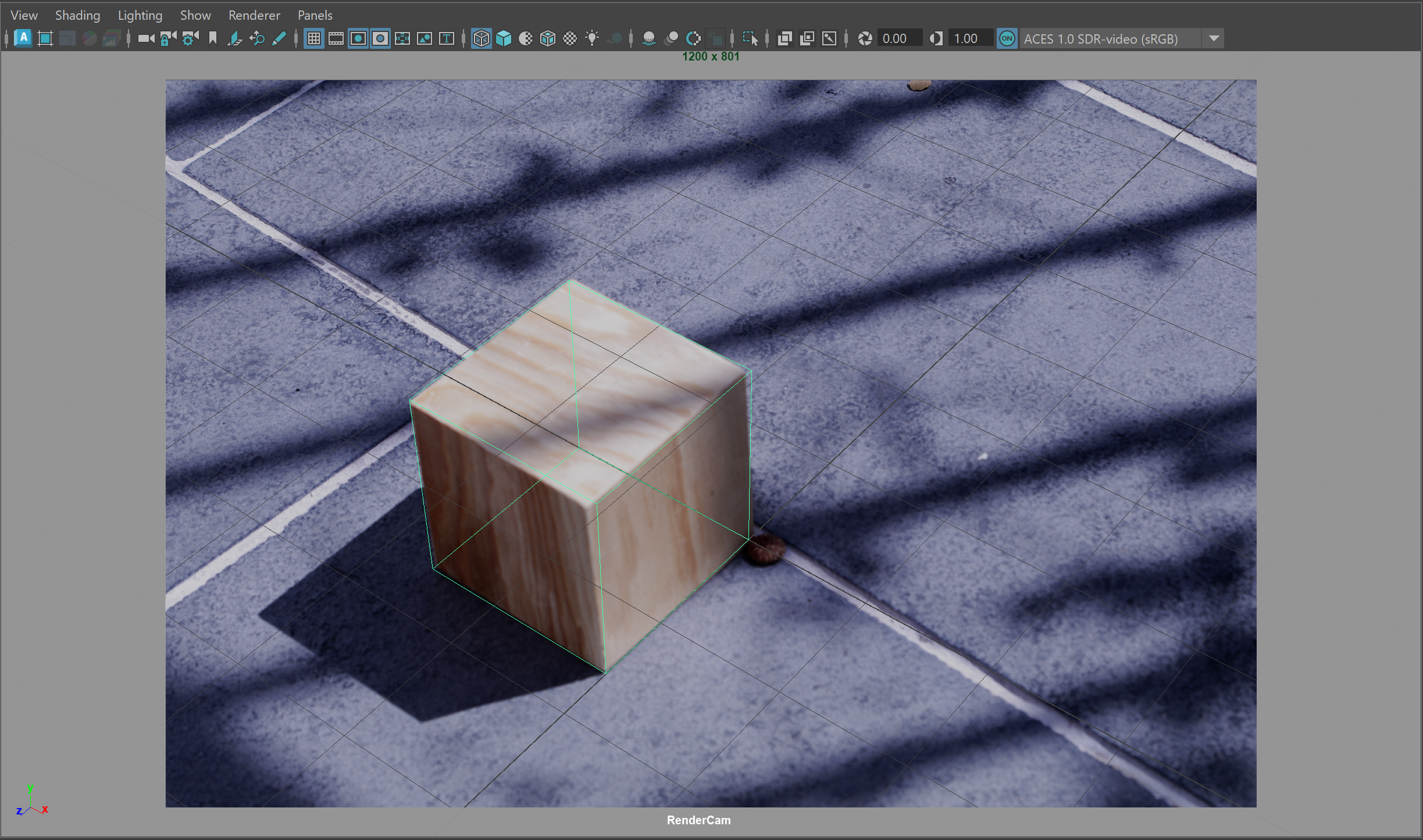
I have set up my Maya scene for camera matching, using a cube and the image plane projected from the camera. I am using the focal length from the photo’s metadata (65mm). So far, I have gotten the CG cube as aligned as I could with the wooden cube, but there are still corners that are off. I might have to slightly adjust the focal length or another camera setting.