Week 14: Camera Imports and Placement + Environment Development
This week, I completed multiple tasks, like finishing the camera imports for moving shots into the Houdini environment, and creating the Copernicus network in Houdini for texturing the height field procedurally using a mask based on its slope.
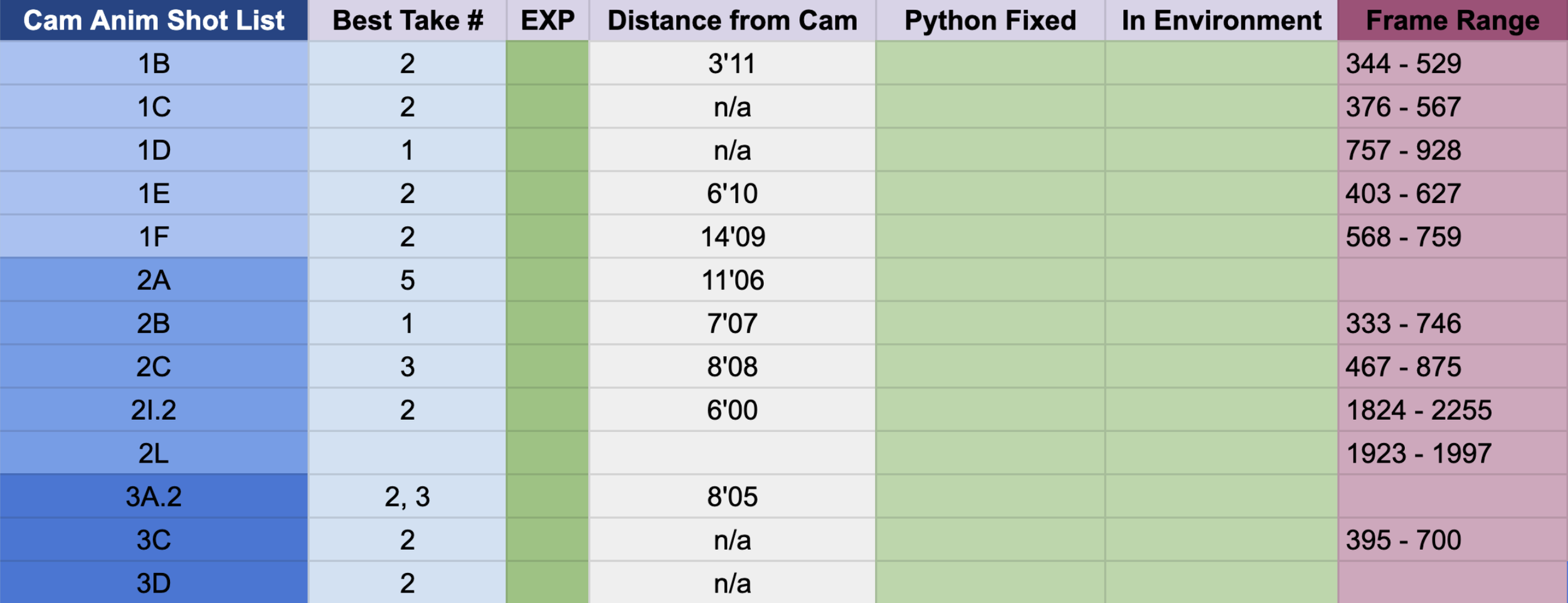
I also spoke with my teammates, Olivia (editor) and Sydney (compositor), to get the exact frame ranges of the live action footage used in the edit, so I can render each camera animation with that specific frame range and comp with the footage can all match correctly.
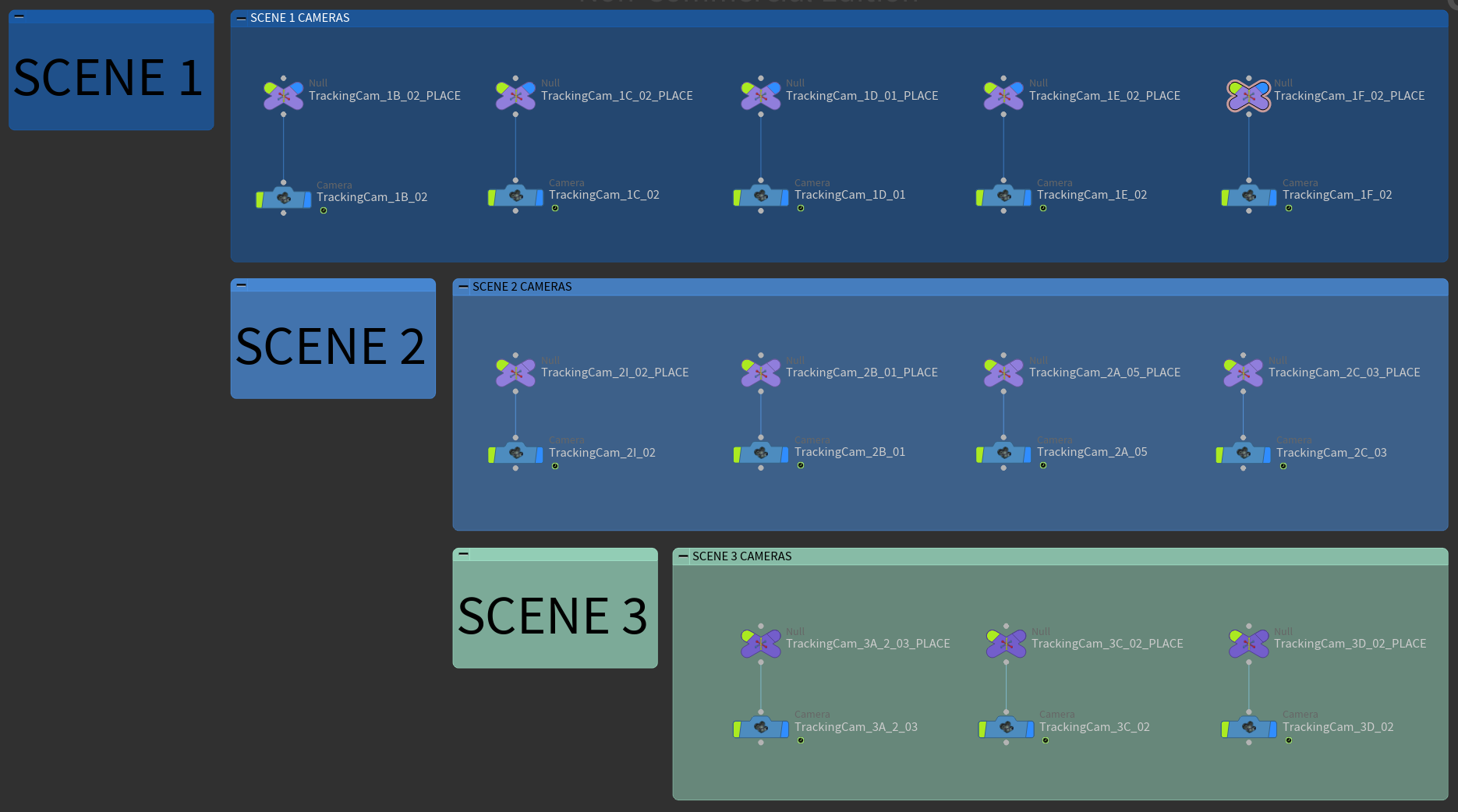
Camera Import Node Organization in Houdini
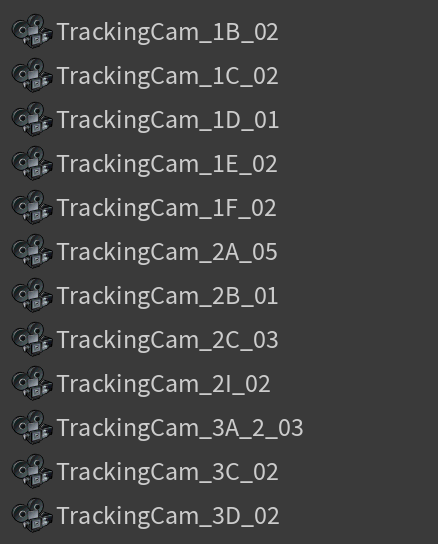
Camera List in Houdini VP
Goals for next week regarding this:
LOPs context organization for rendering each shot
Camera frustum-based deletion system in LOPs to delete foliage that isn’t seen to optimize rendering
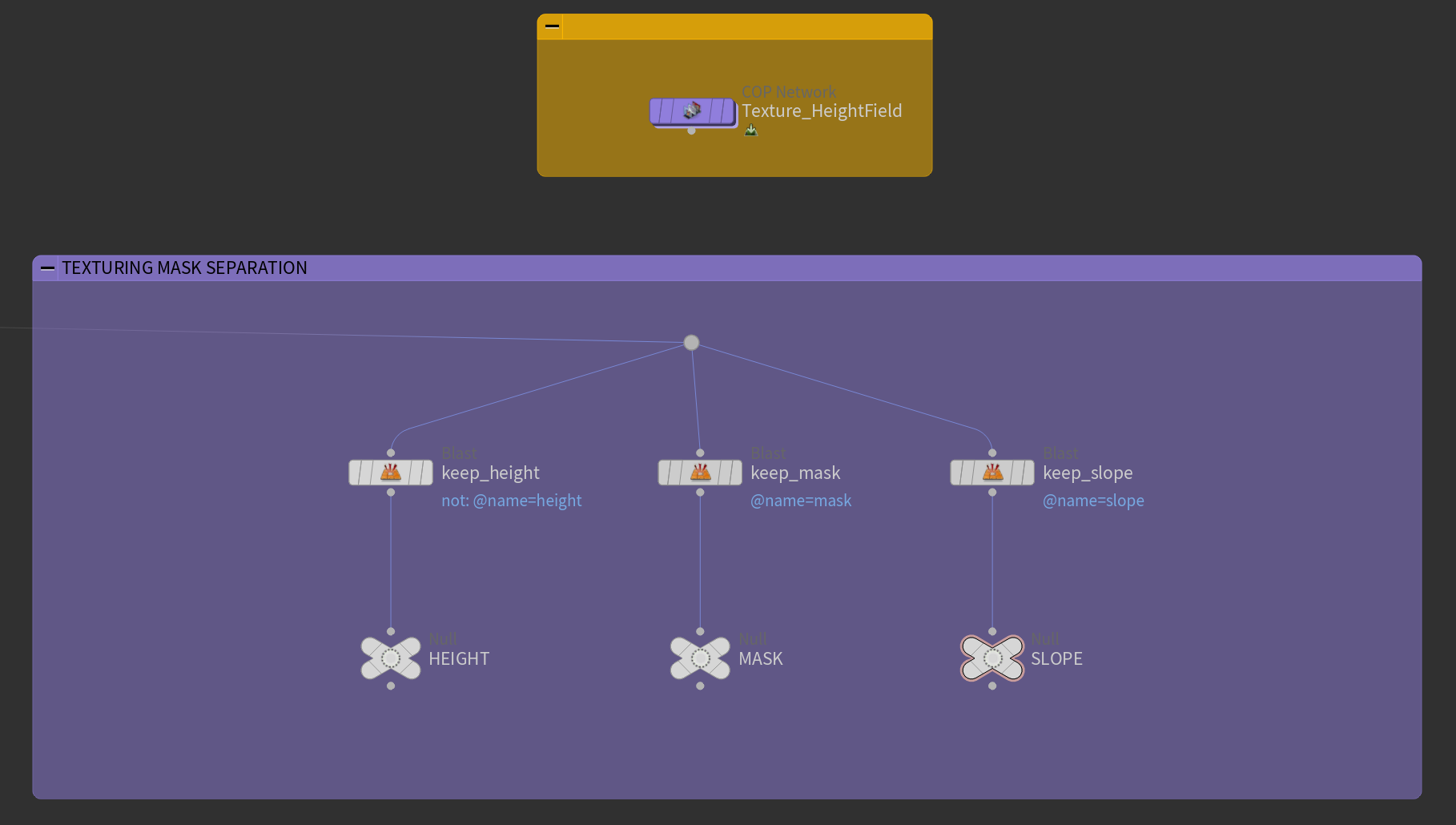
Mask Export Node Organization
- based on height field mask nodes that export the masks as attributes that can be isolated with blast nodes that delete everything but the mask attribute
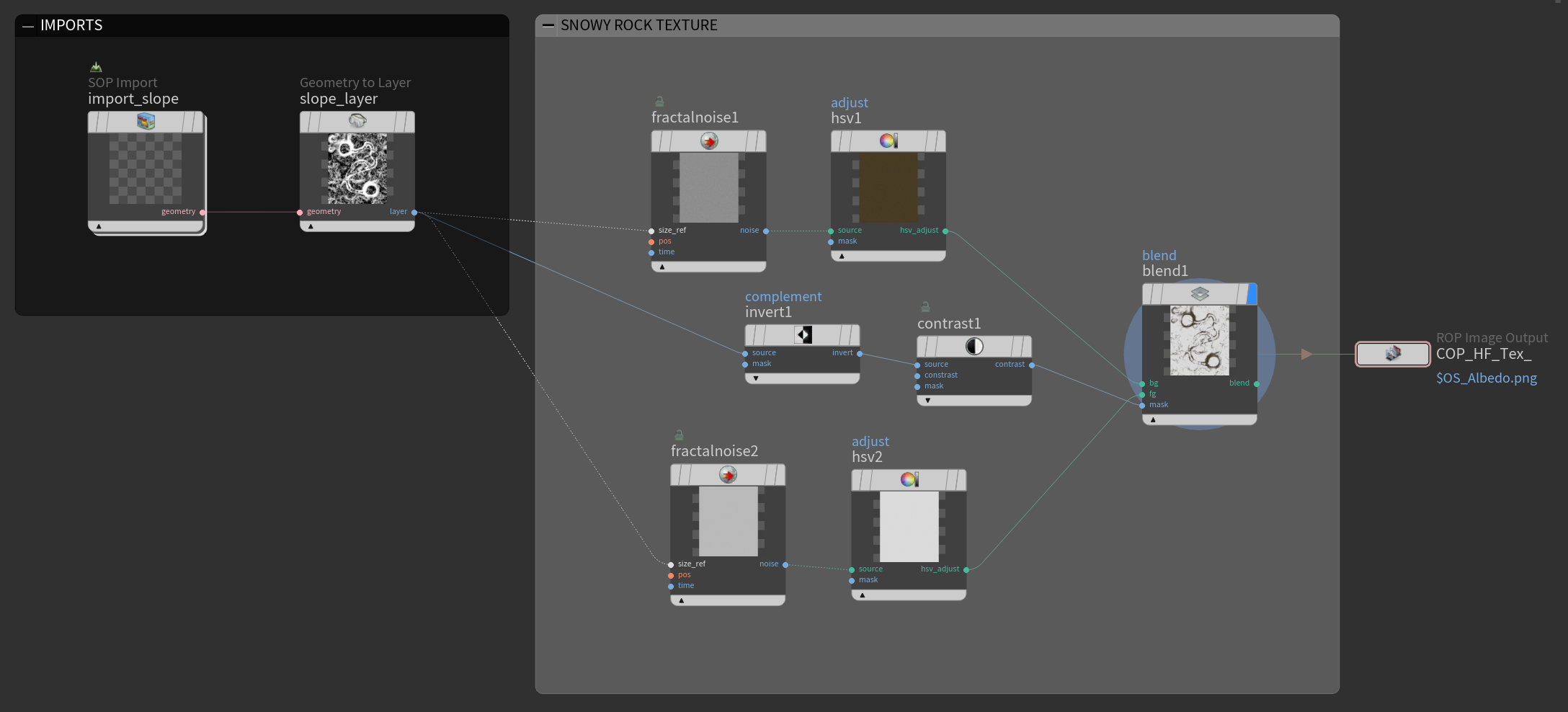
COPs Node System
- imports the slope mask attribute and turns the geometry into just a 2D mask layer
- then noise is layered into the mask to create the snow on the flatter surfaces and rocks on the hilly areas
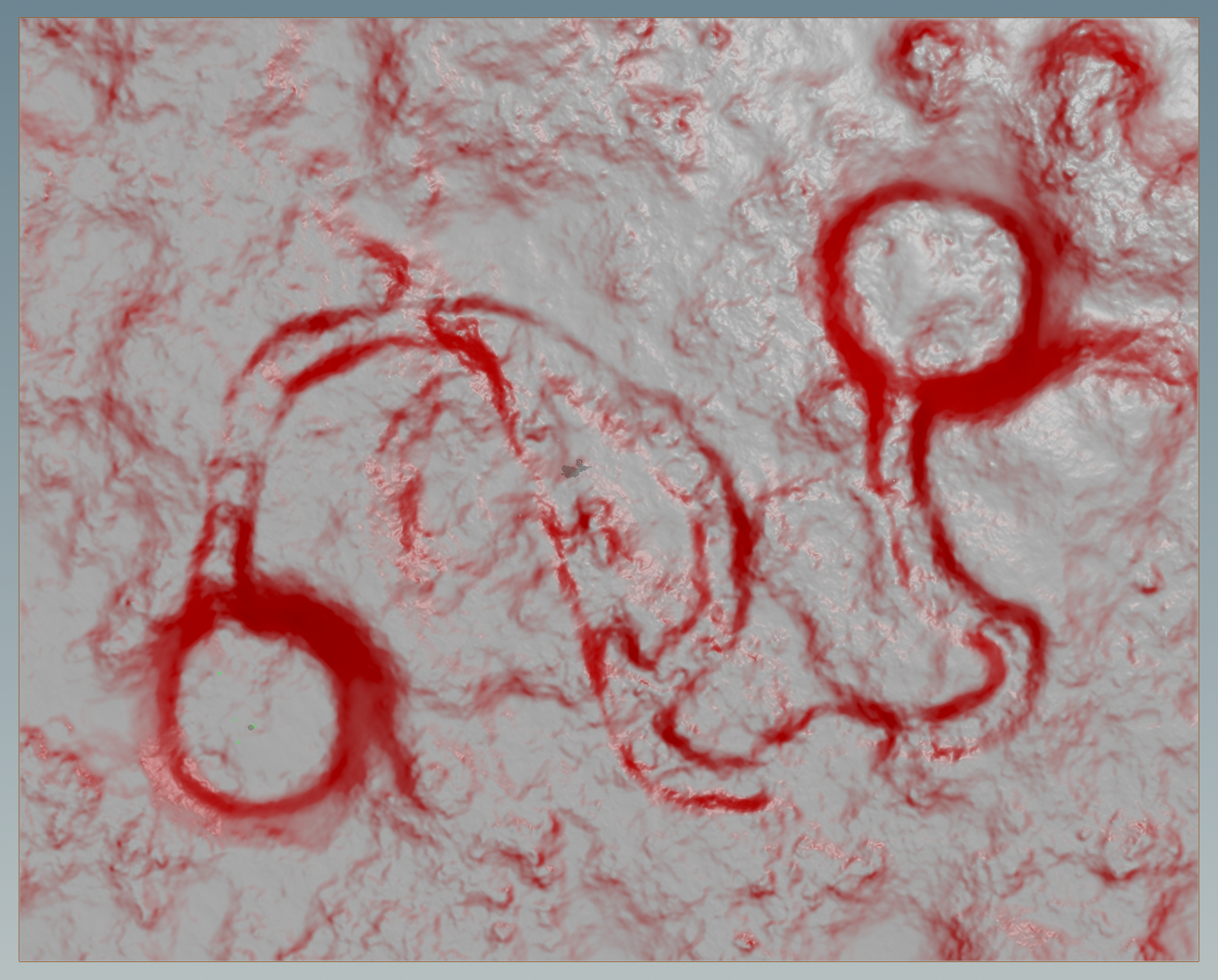
Slope Mask Atribute brought into COPs
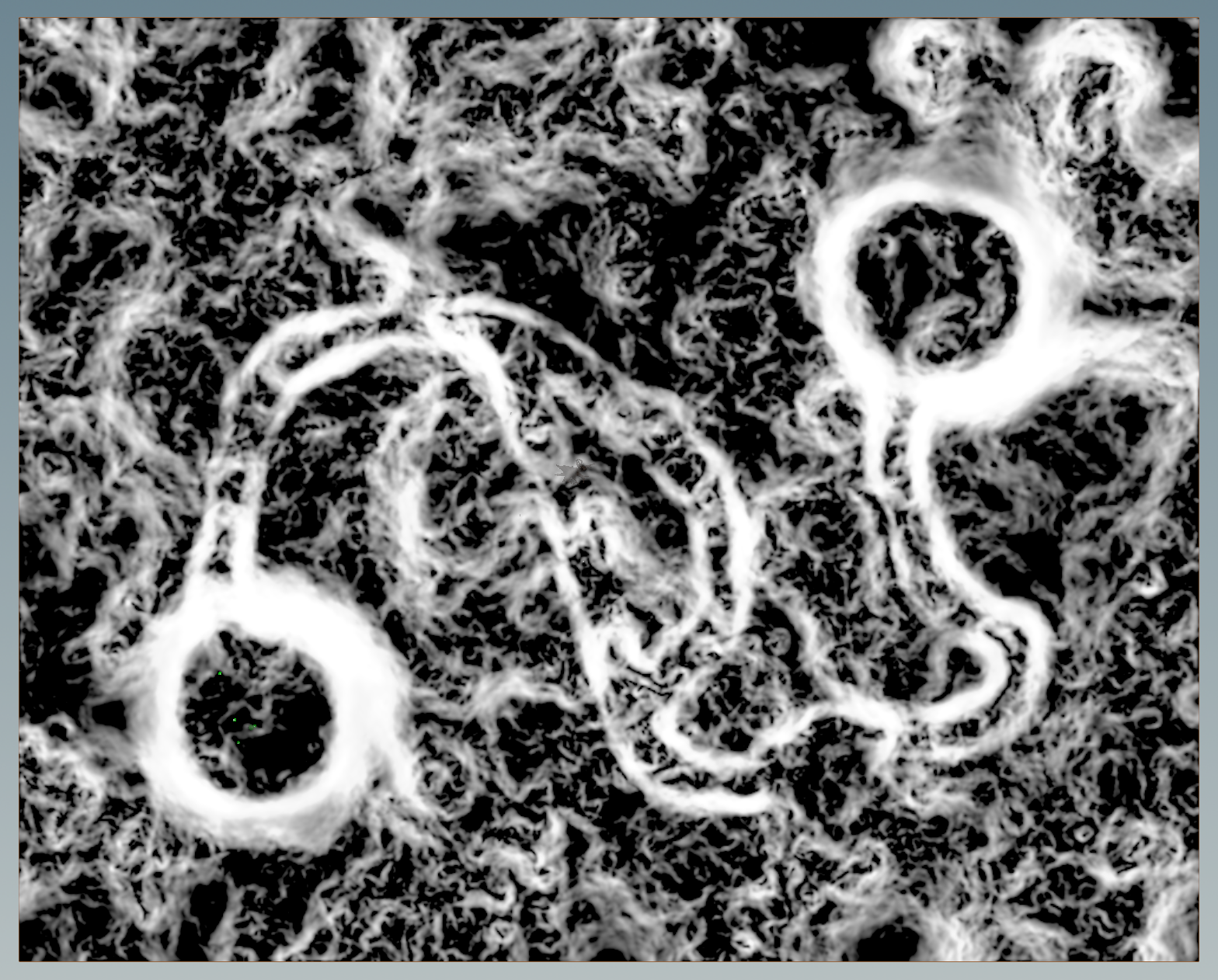
-> Black and White Slope Mask
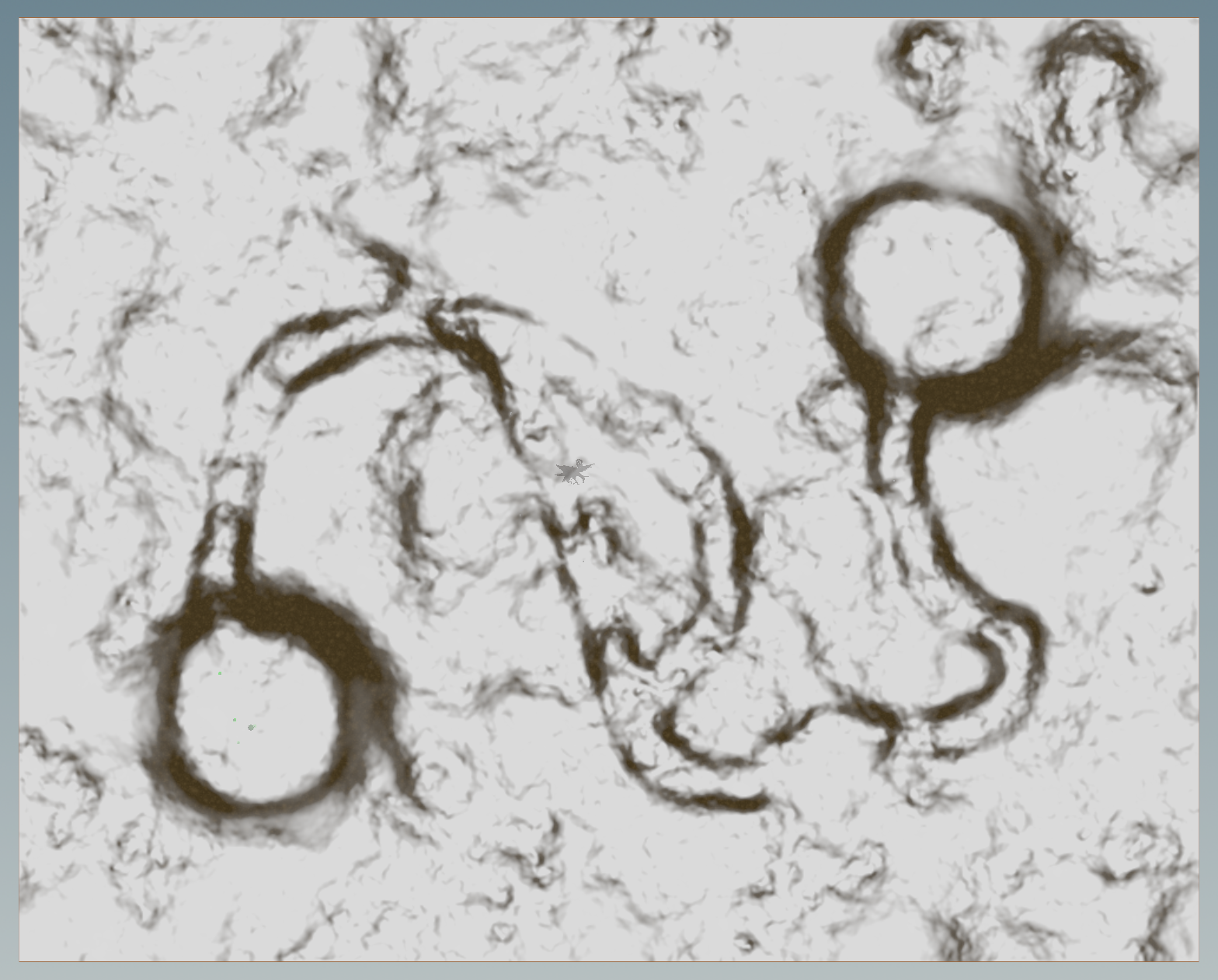
Current Rough First Draft of Snowy Rock Texture
- I plan on trying to add a layer of 3D snow in Houdini and having the heightfield be a purely rock / dirt layer
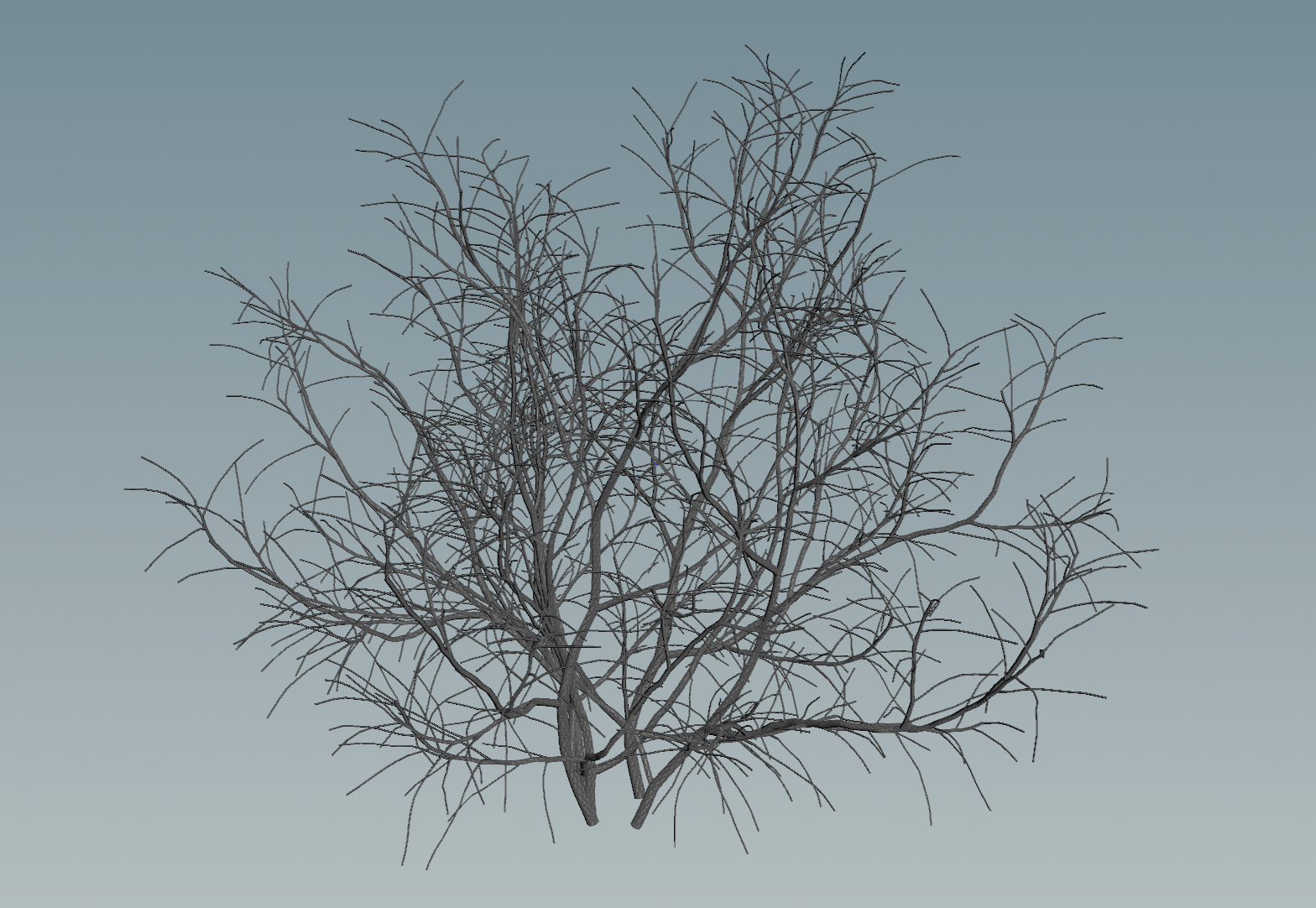
Shrub Model 1 of 4 found from Fab Marketplace
I recieved critique to add more variety to the forest and more wind in the environment. I am experimenting with doing the wind procedurally by animating a shrub model’s points with noise to look like wind.
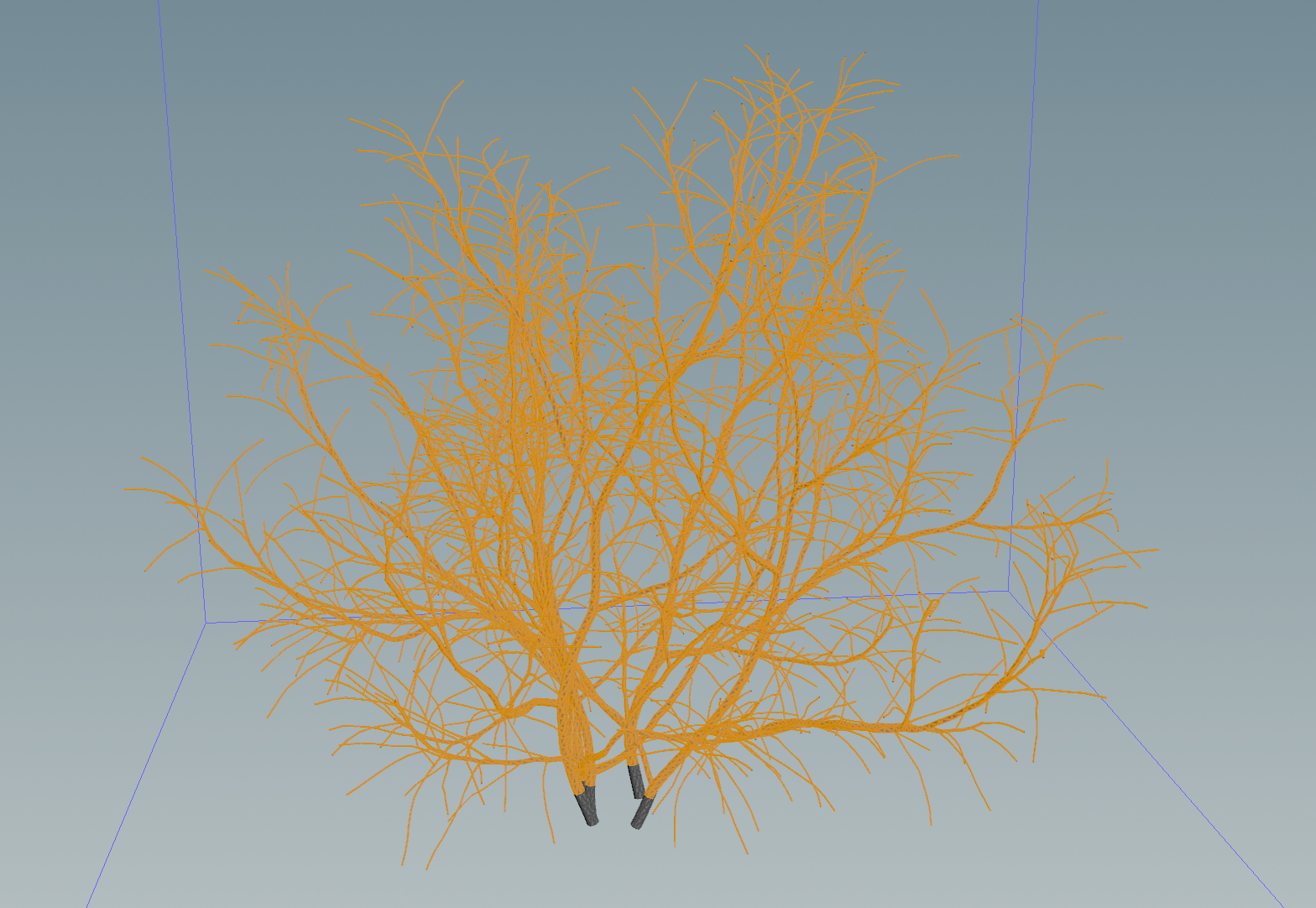
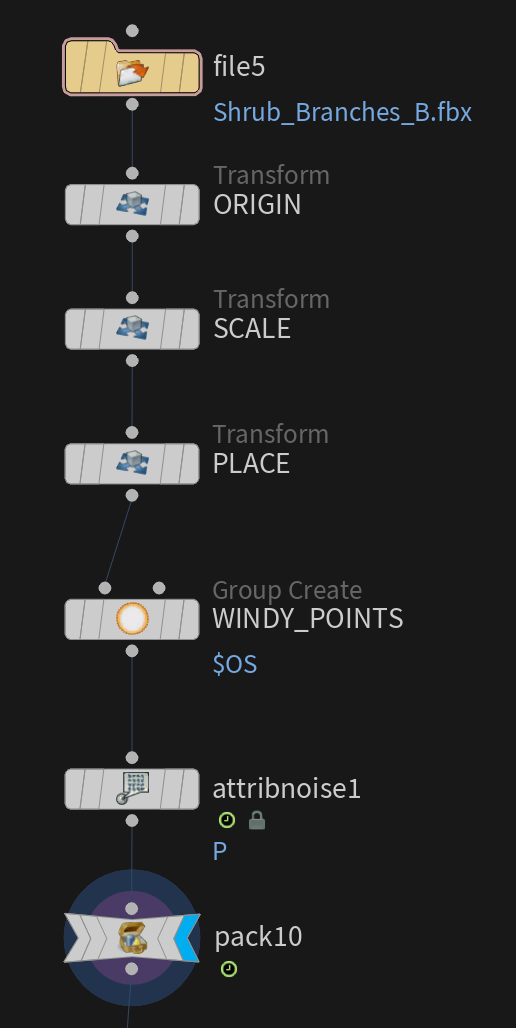
Houdini import of Shrub model
- animated by grouping the points but excluding the base of the model
- then I use an attribute noise to animate the points
In Progress Wind Animation Result