Week 13: Camera Tracking Export + Environment Development
This week, my teammate Charlie and I have worked on getting the camera tracking data from our shoot exported correctly and ready to use in our scenes. This is the first render test with camera data for Shot A in Scene 2 (the 5th take from our shoot). At first, we had issues exporting out of Unreal Engine and keyframes not being found, but then we figured it out by exporting just the tracking cam and not all of the transform data attached to it. My other teammate, Sydney, created Python code for Maya to move all key frames to frame zero (keyframes were set to the time of day at the shoot ex. 112945), and to move the camera’s location to 0,0,0.
Shot 2A Take 5 Rough Test Render - frames 300-500
Updated Flipbook of Shot 2A Scene Layout with added models. Needs more foliage like bushes and more small detail objects.
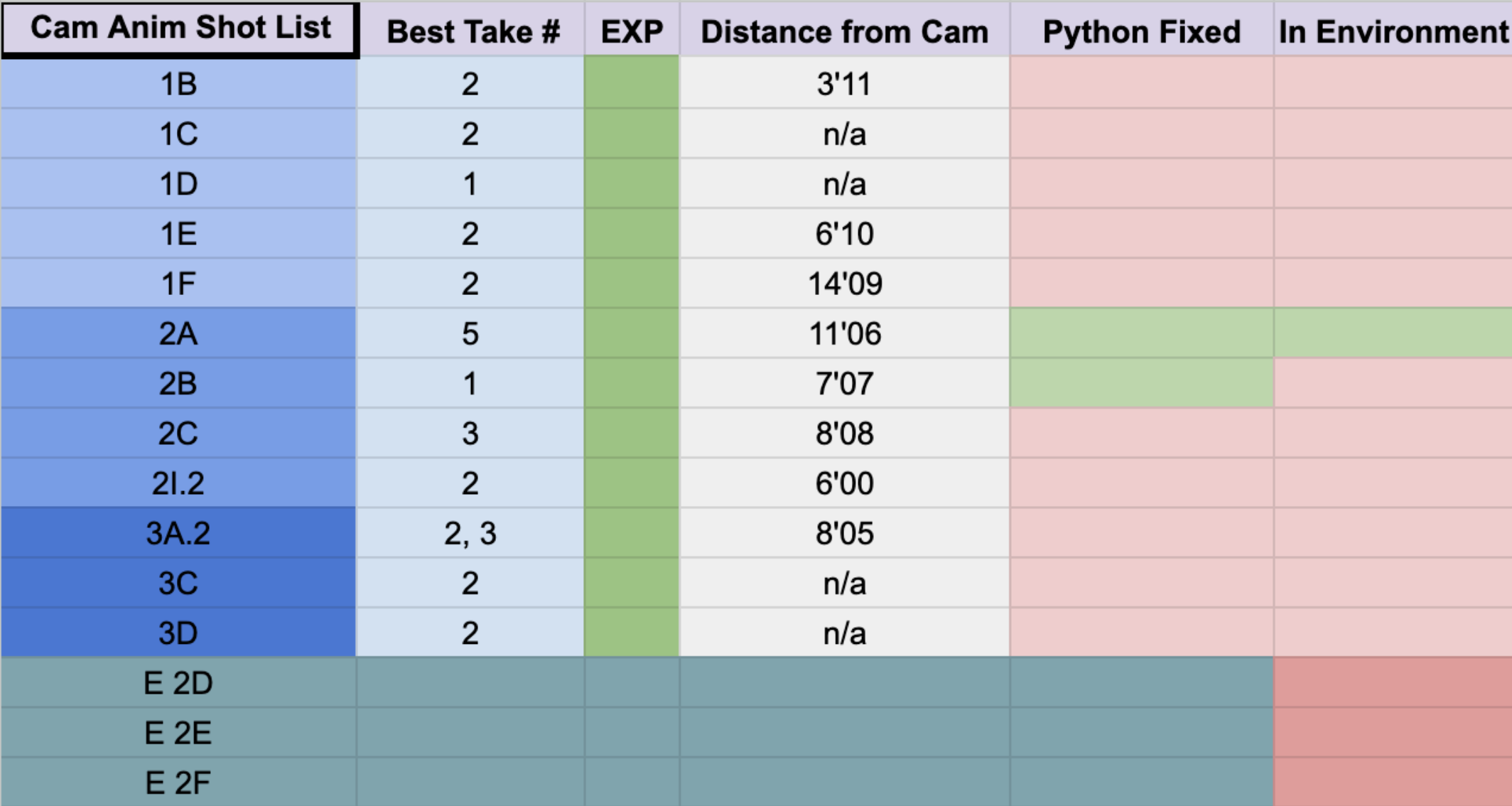
Camera Exporting and Prepping Work in Progress Spreadsheet
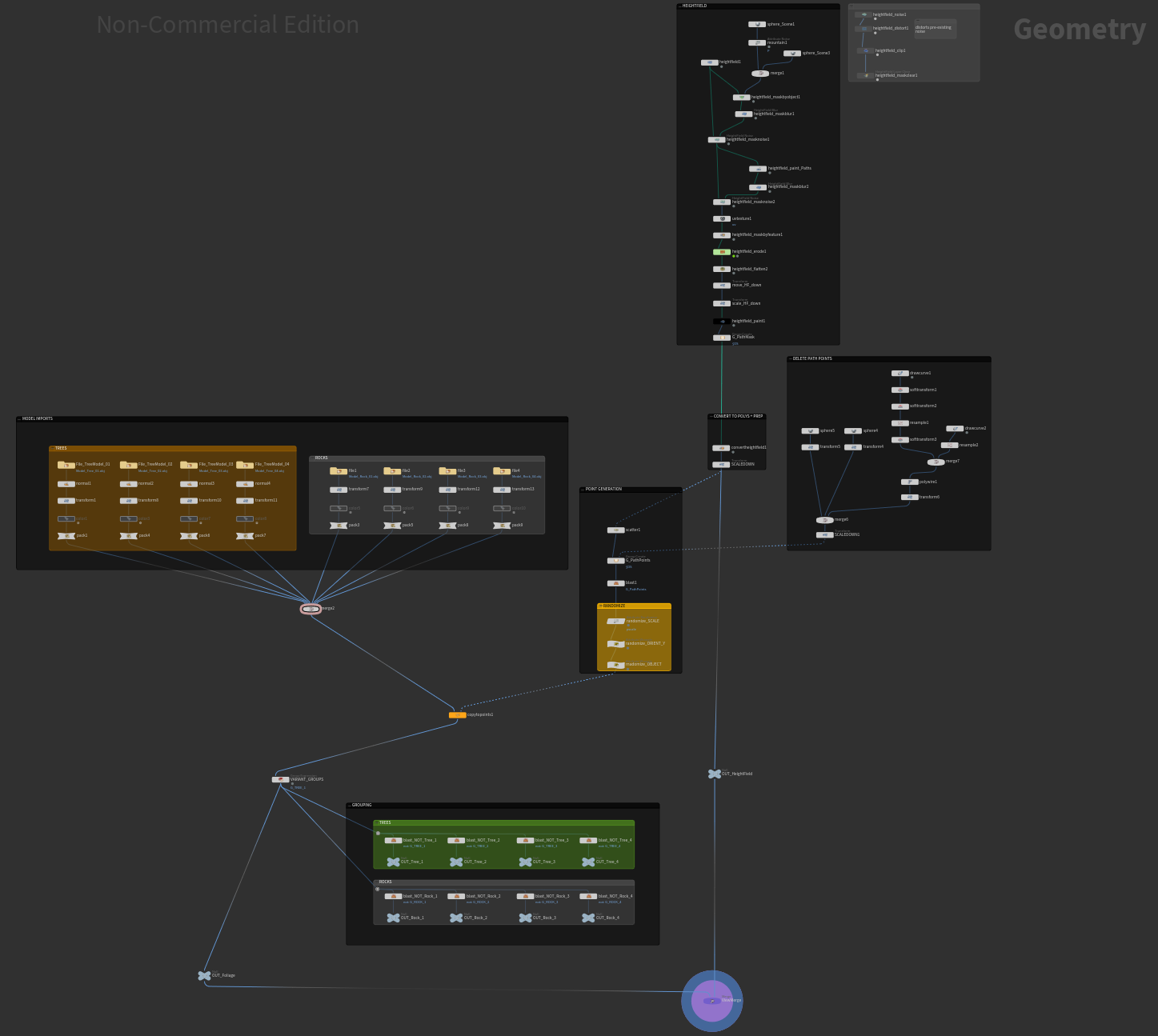
Updated Environment Node Tree Organization in Houdini
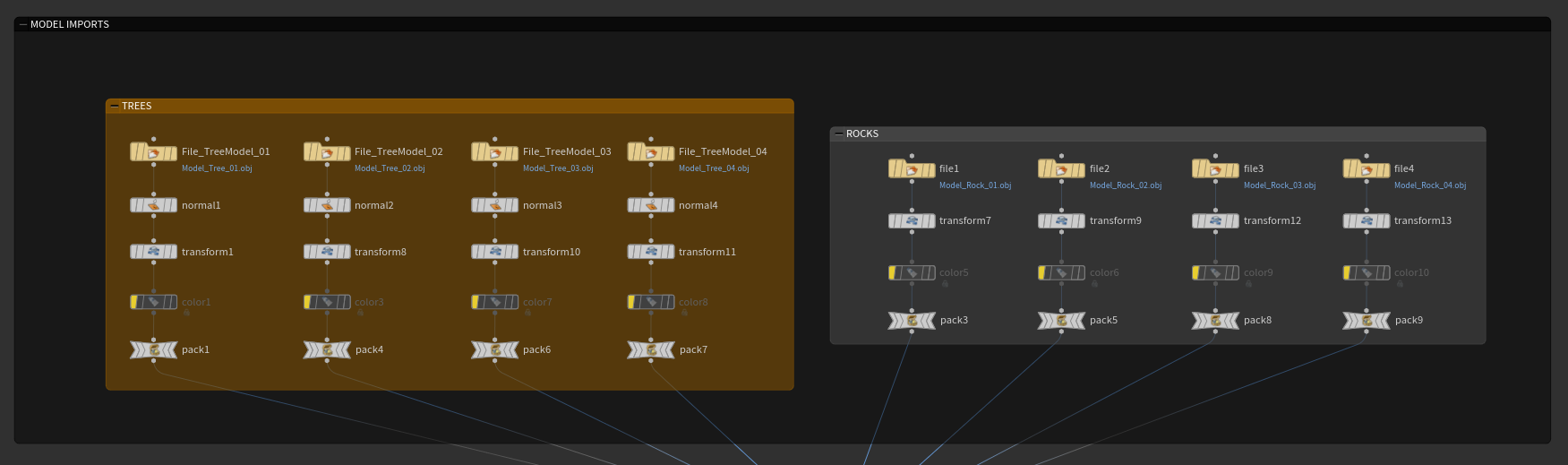
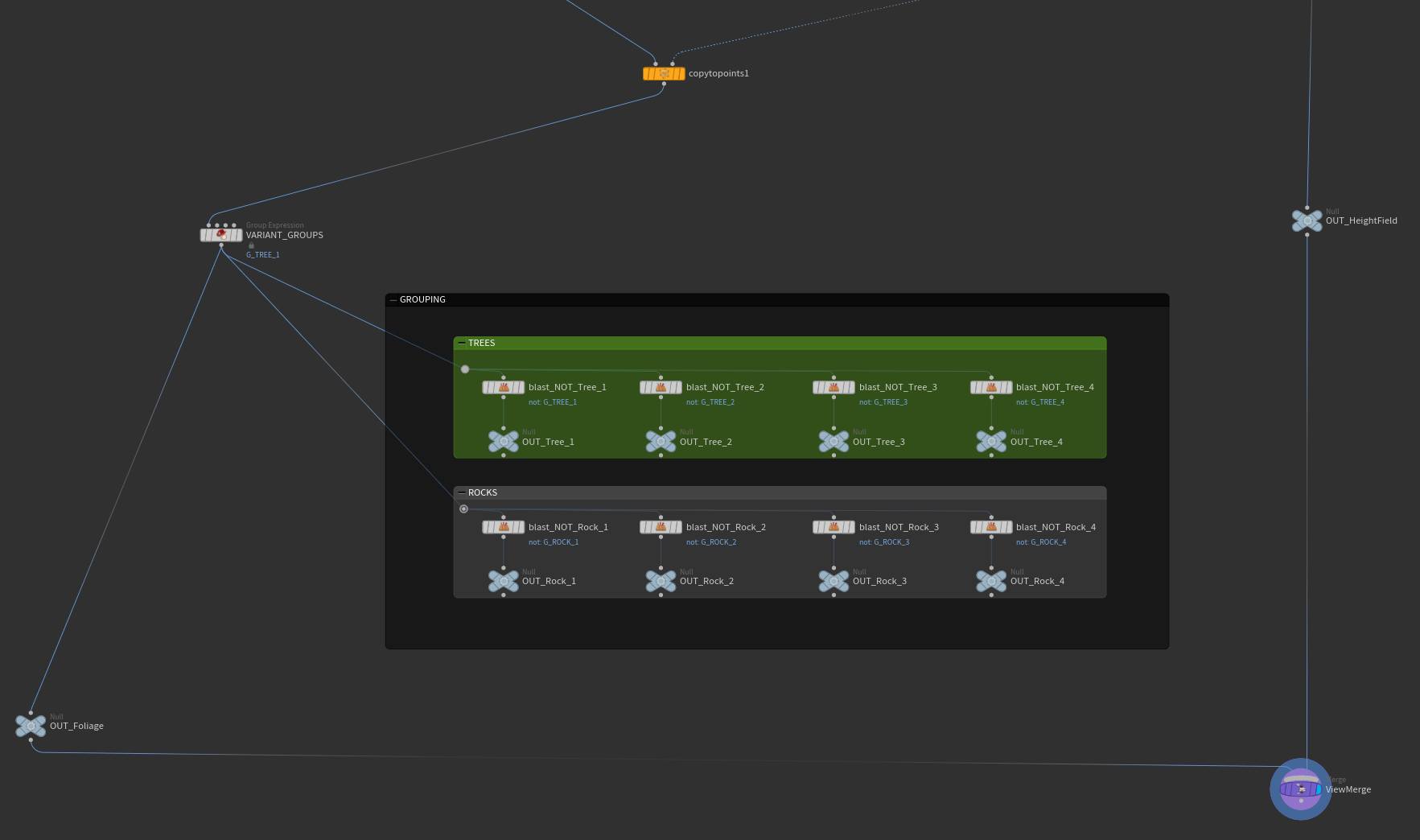
Close-up screenshots of nodes importing the 8 different models set up so far, 4 tree and rock models. Then they are grouped to be brought in to Solaris stage separately.
This next week I need to add more detail to the environment by bringing in more assets, start more serious texturing for landscape using slope masks, get most of the cameras if not all of the cameras from at least Scene 2 and Scene 3 prepped and placed in the environment, and get everything looking closer to the storyboard like landscape flatness and spacing.