Week 15: Environment Improvements + Optimized Rendering Setup
This week I worked on getting the environment ready for my deadline which was this past Wednesday the 4th. I made sure all cameras were placed (including still cameras) and animated if needed to be (environment shots) able to render out the pipeline for the entire film by the 16th (%75 of the quarter mark). I also tried to optimize rendering a little better by splitting the rendering into the three different scenes in Solaris.
I also spoke with our Executive Producer Gracie about me being in charge of the rendering of the environment shots, since I couldn't make as many improvements as I would’ve liked before handing it off in time. This way I can keep updating the environment and render out by the 16th and those shots can be more accurate examples of how far along the environment is.
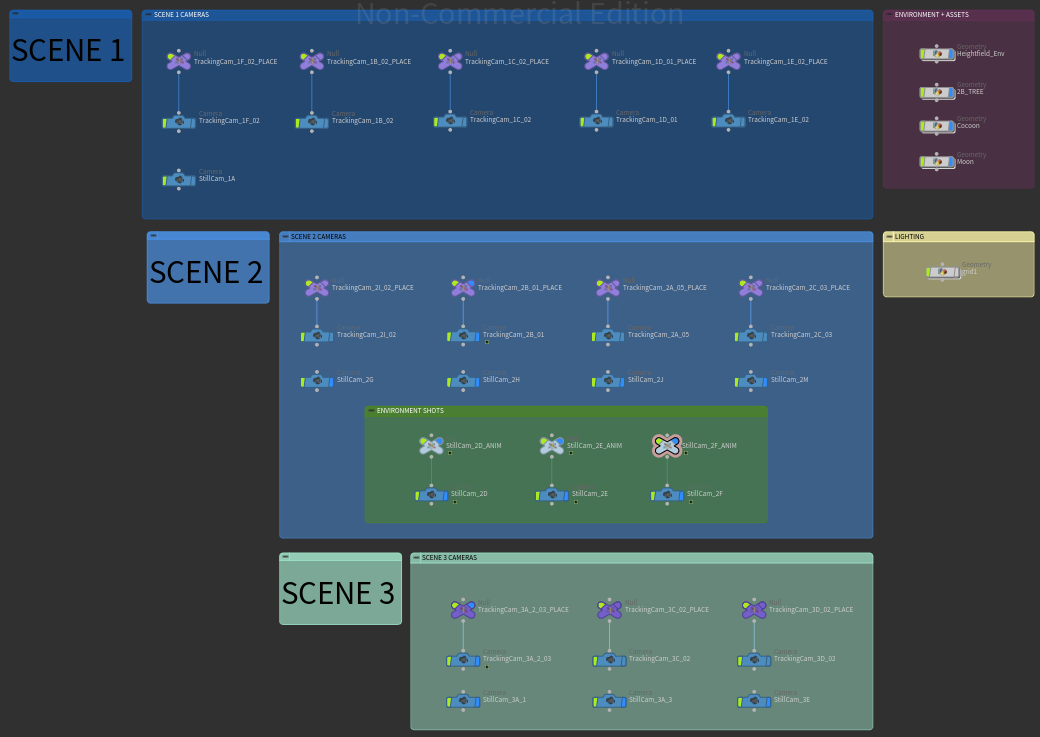
Per Scene Cameras Node Organization
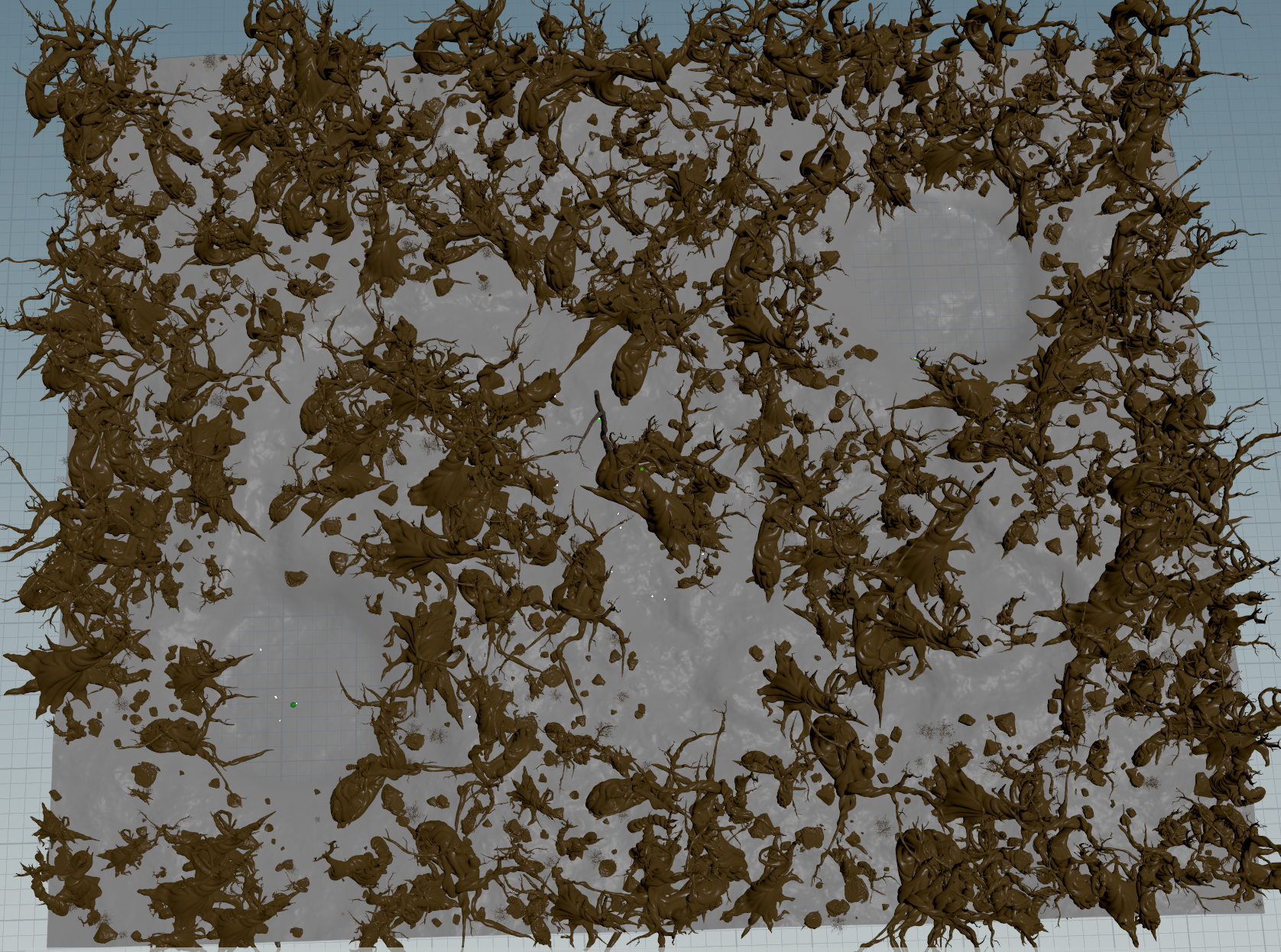
Cameras spread throughout the scene can slightly be seen in this screenshot, all locations were referenced from environment map our Director Hannah provided me
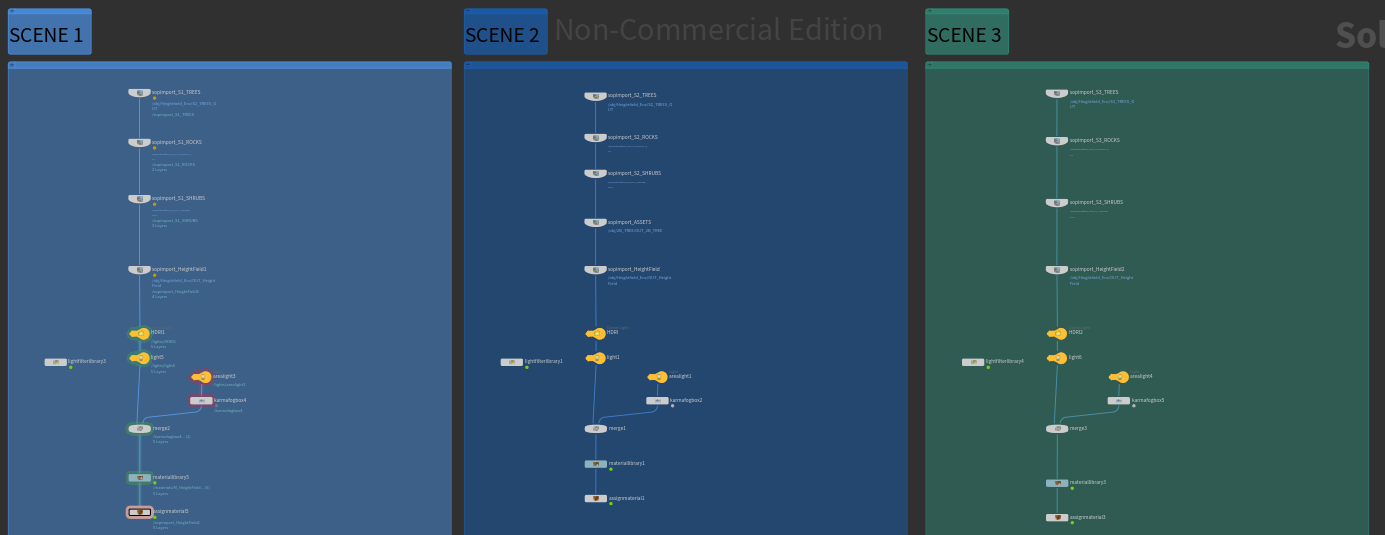
New Stage Import system for rendering with Karma in Solaris, based on images below
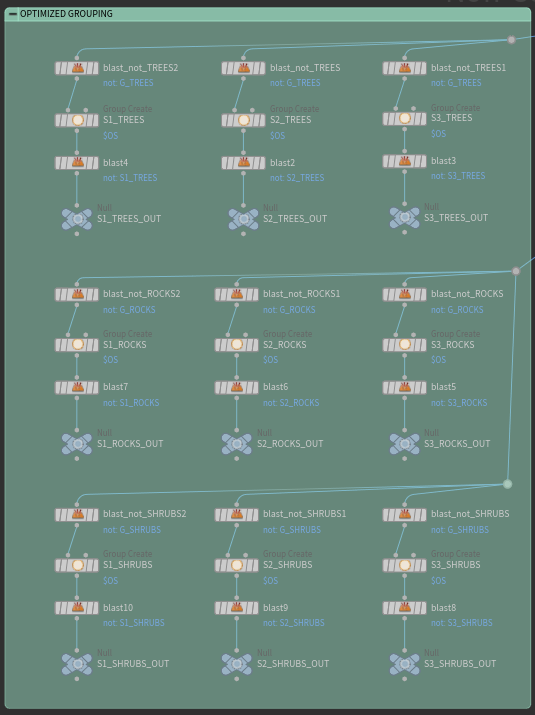
Per Scene Asset Grouping Node Tree
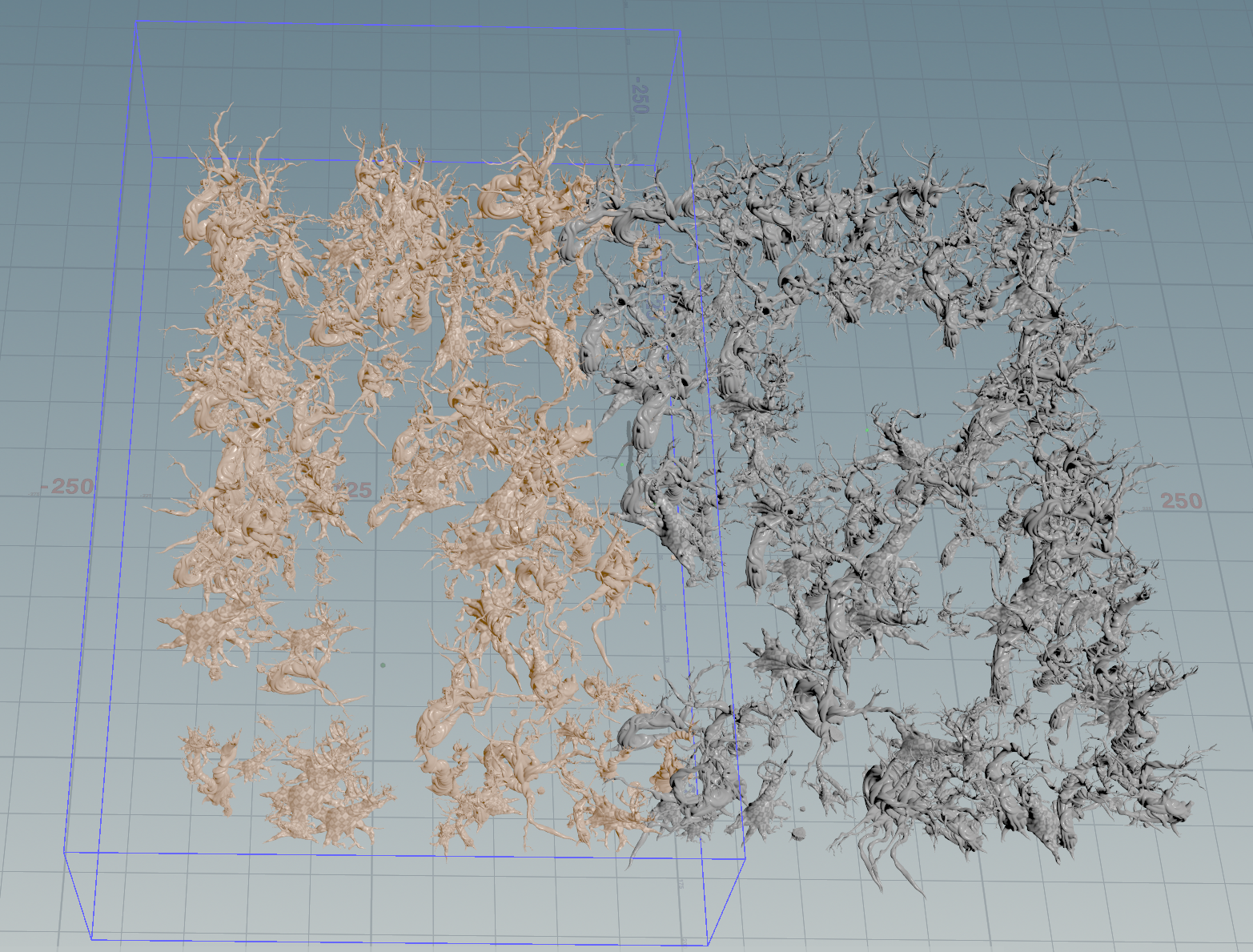
Example: Bounding Box that groups the tree models from Scene 1, repeat for each object + scene
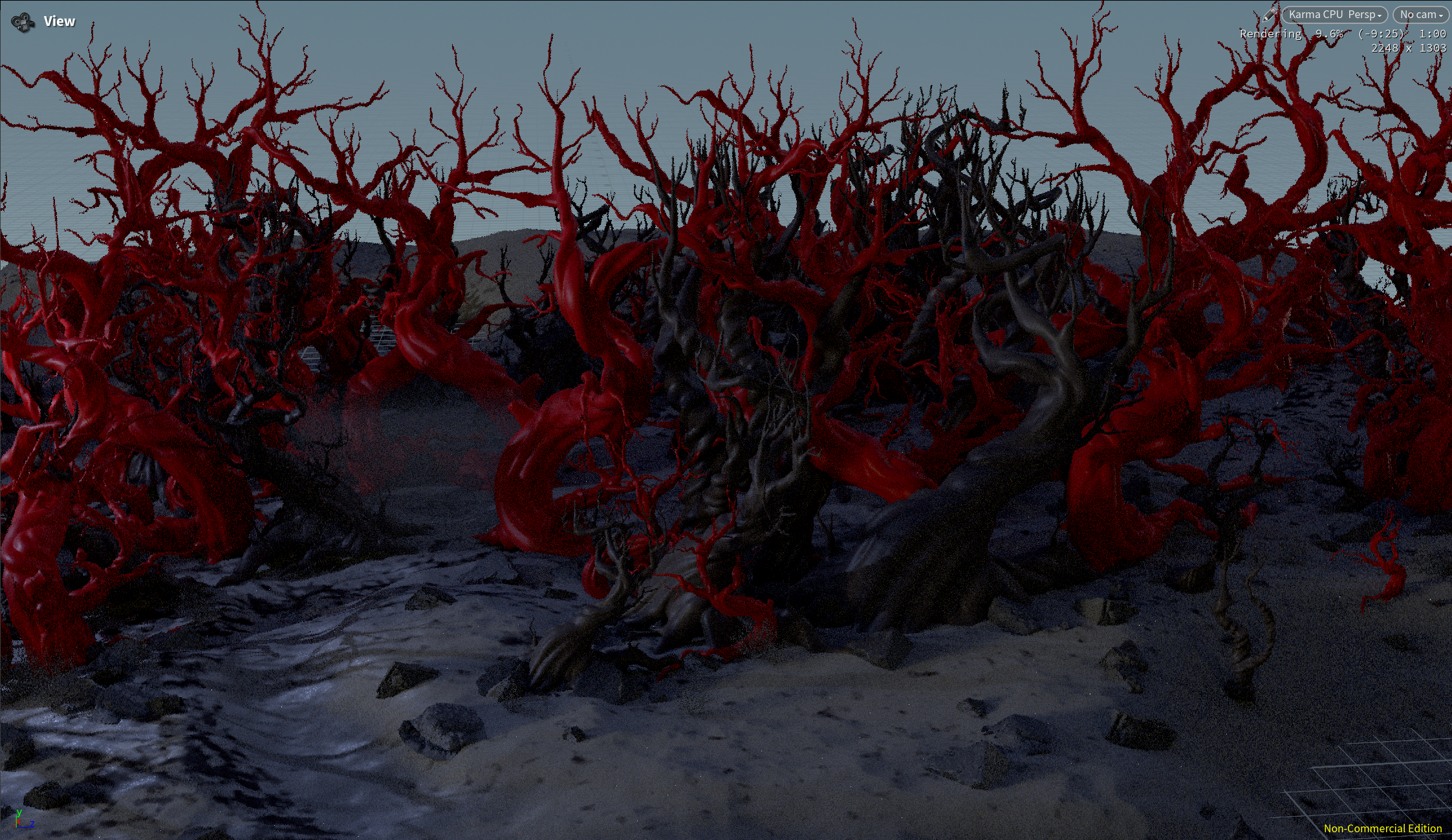
I also helped my teammate Benji, who is doing the Look Development for the environment assets, a little with some troubleshooting when an issue happened when applying the tree textures after I had optimized the Solaris importing. Since they are brought in differently, the numbering of their pieces also somehow got switched around so Tree 1 is no longer obj_0 in the stage. Which this photo helped us realize that the red material was not being applied to the Tree 1 model which is the one with the wide base.
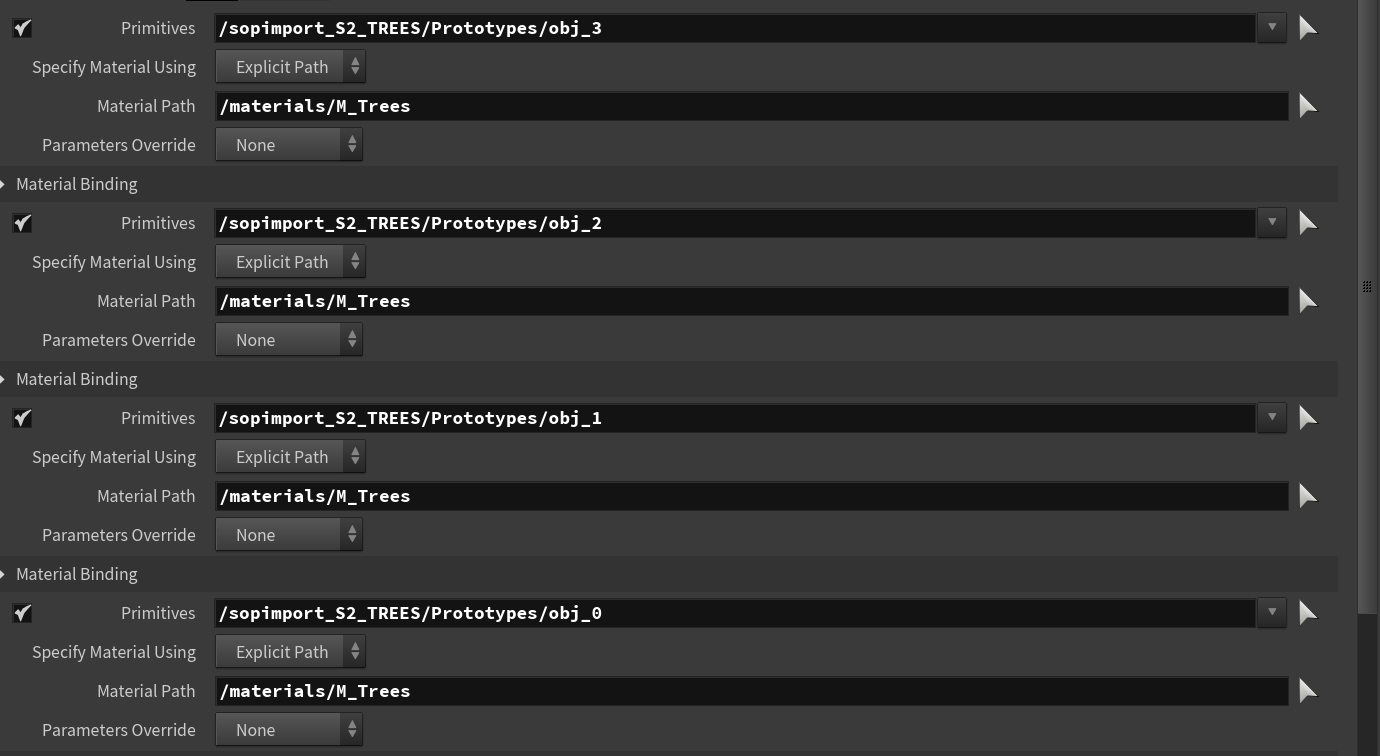
Assign Material Set Up for Look Dev to Customize in Stage: each asset model can be assigned a separate material but are brought in as packed groups by scene.