At first I attempted to import my landscapes from Unreal Engine into my new Houdini file and continue the environment creation process that way, but then I realized that wouldn’t be the most optimal way to switch between software.
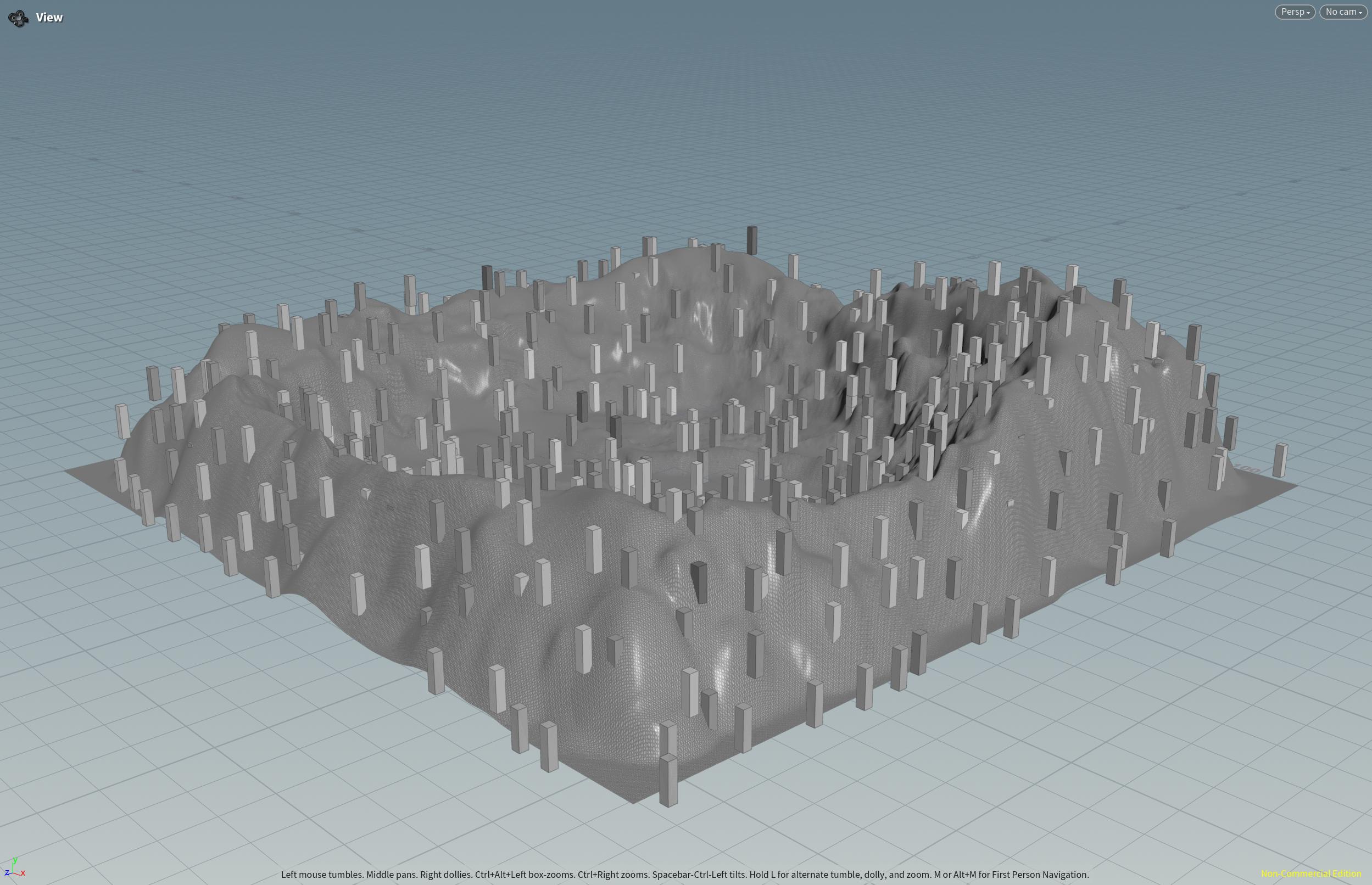
Quick Copy to Points Test to Visualize Trees
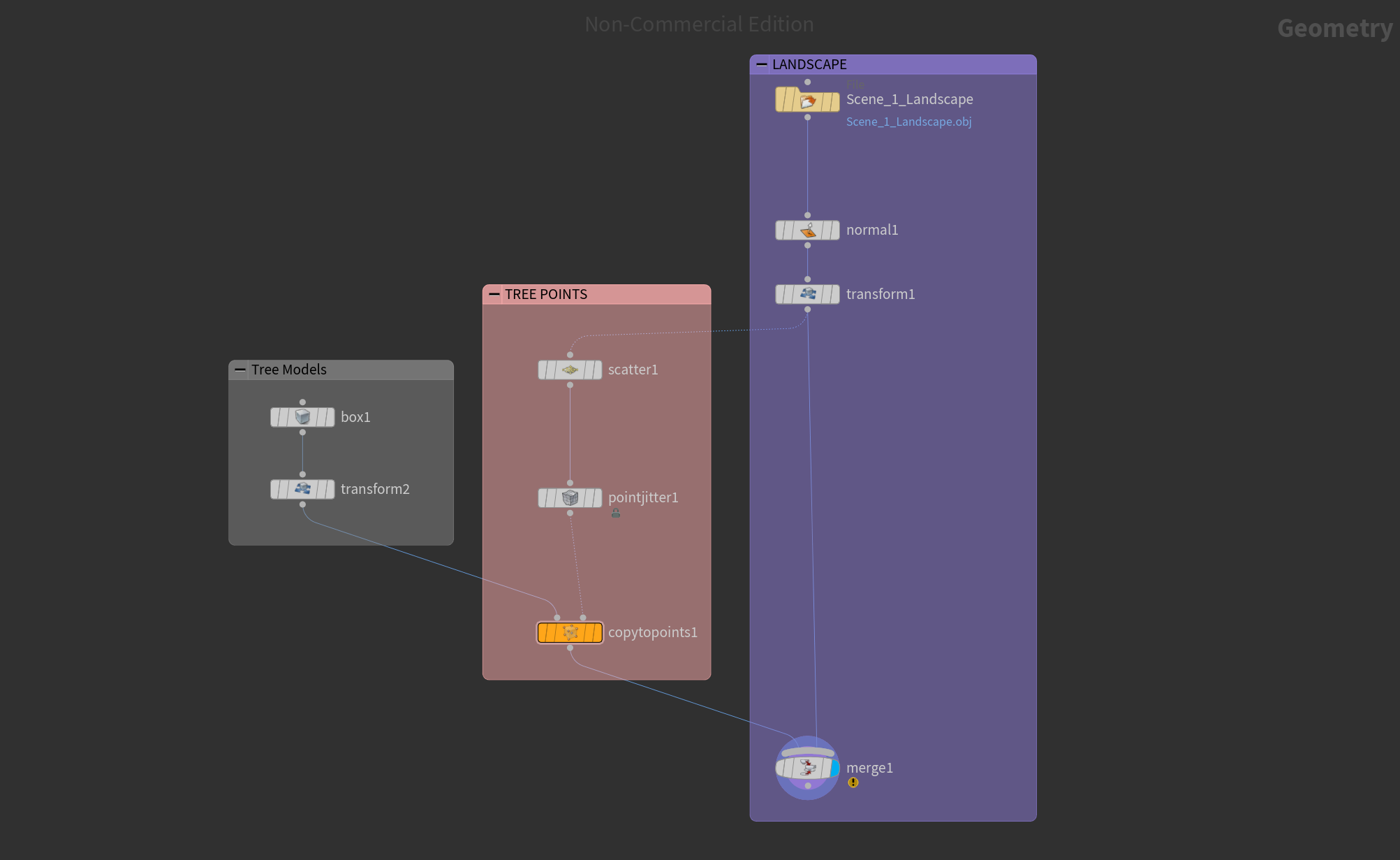
Node Tree
Then I realized it would be better to create the landscapes from scratch in Houdini and utilize procedural methods and the height field tool. Our Director Hannah Kim made a super helpful map of the story’s setting and I will be using that reference to lay out the environment.
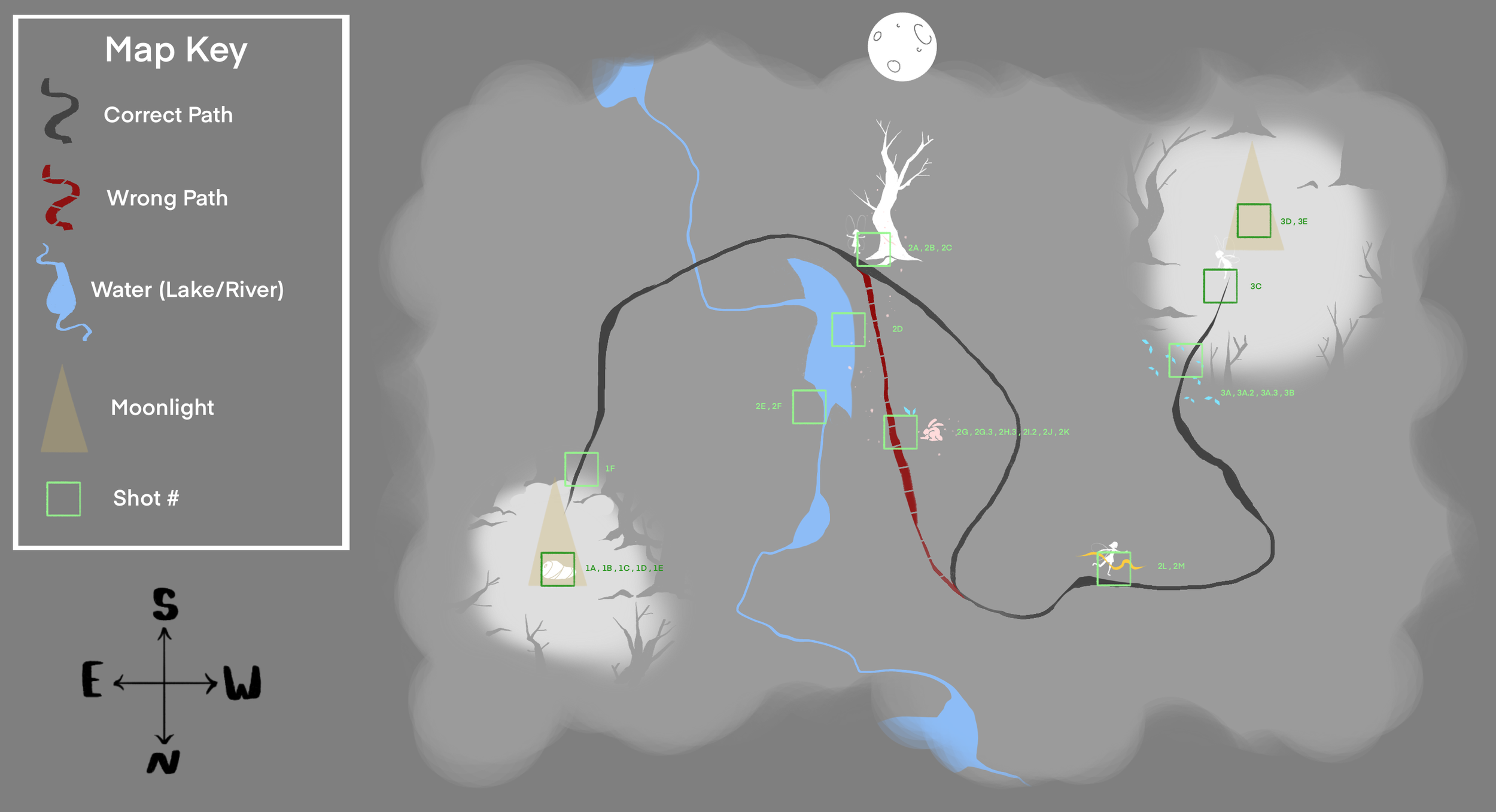
Environment Map made by Hannah Kim
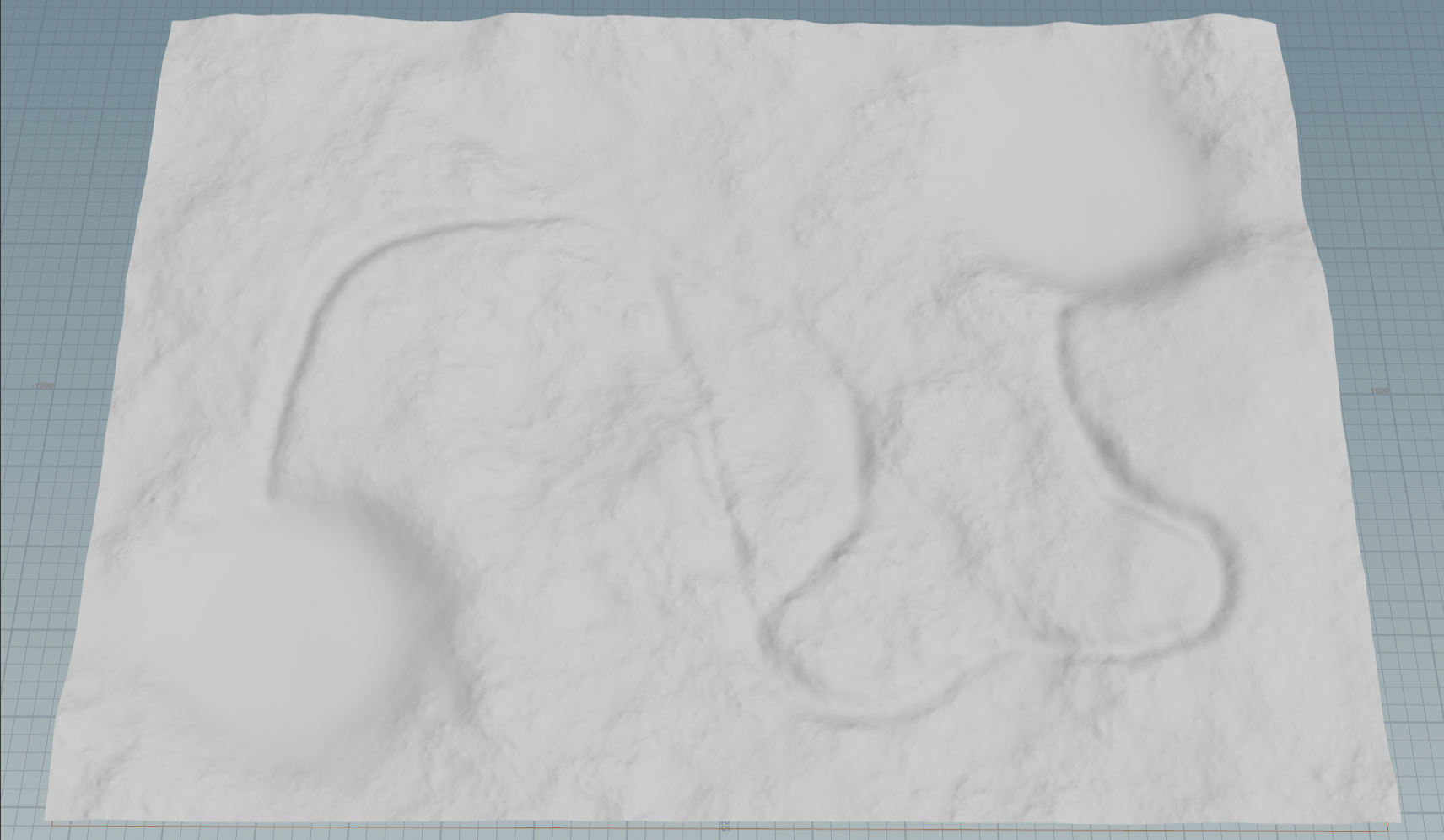
Current Height Field progress
This is how the height field based on the map is looking like so far. I created the mask using the methods shown below.
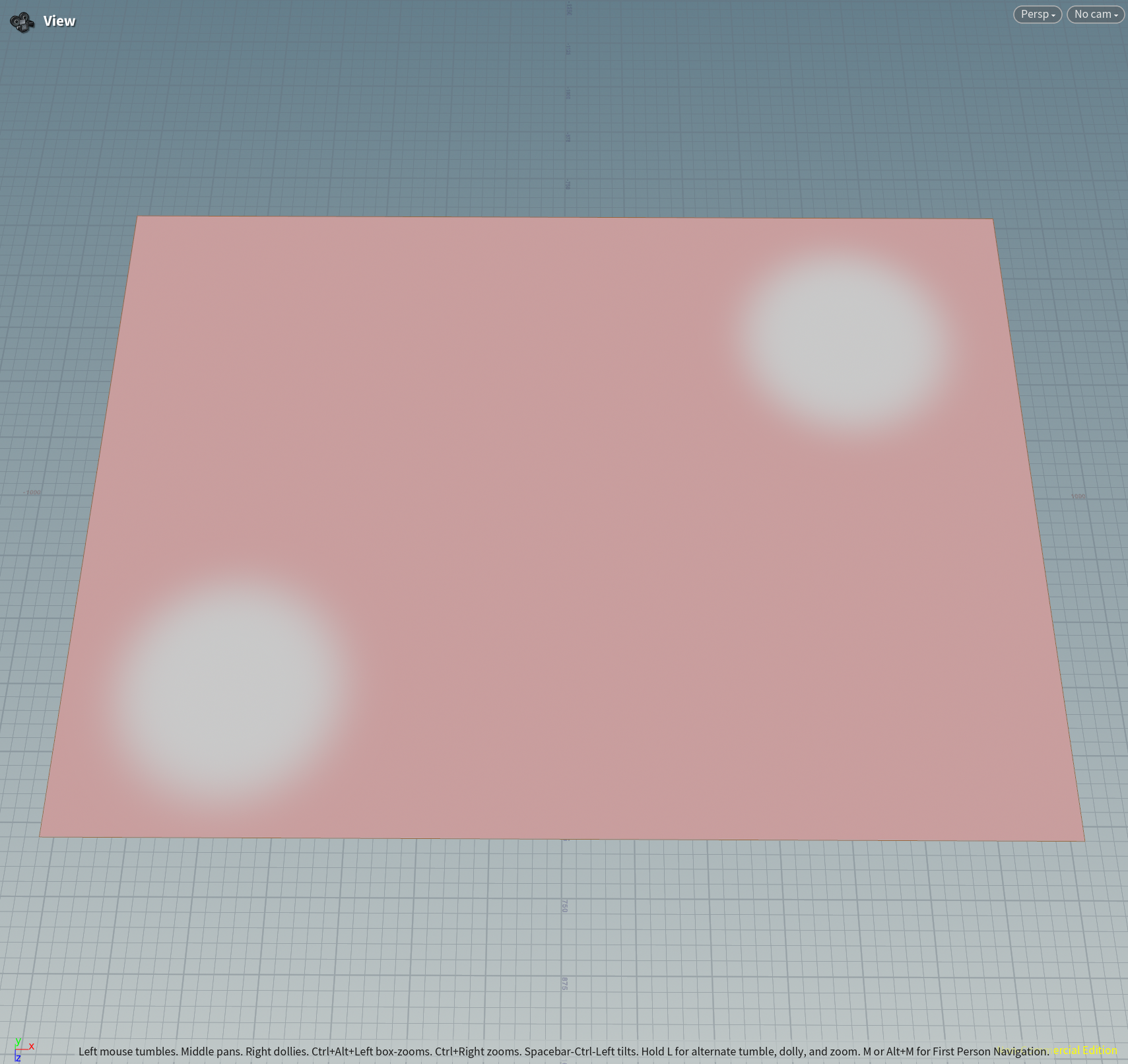
Mask for Scene 1 and Scene 3 Clearings
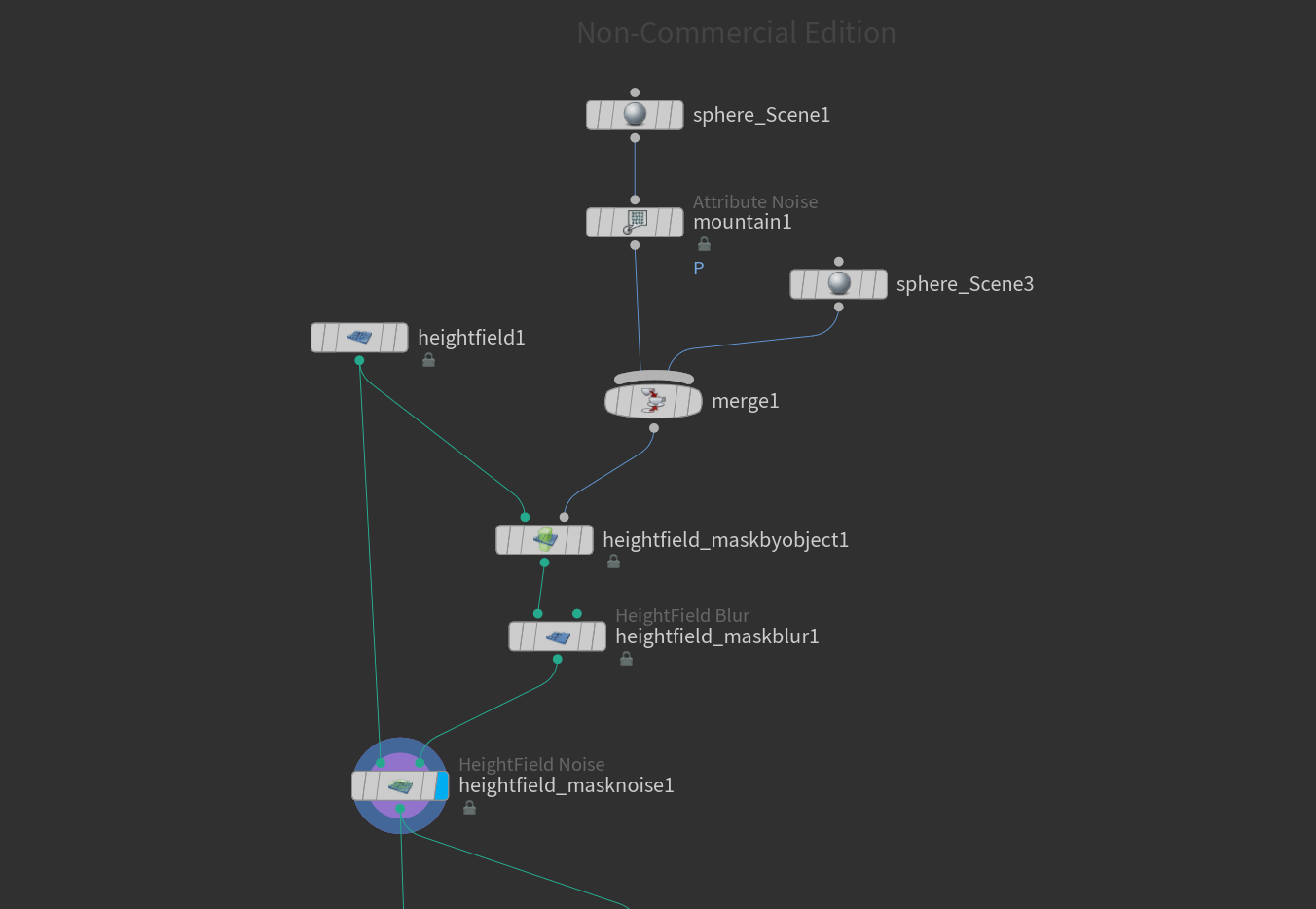
Node Tree for Photo Above
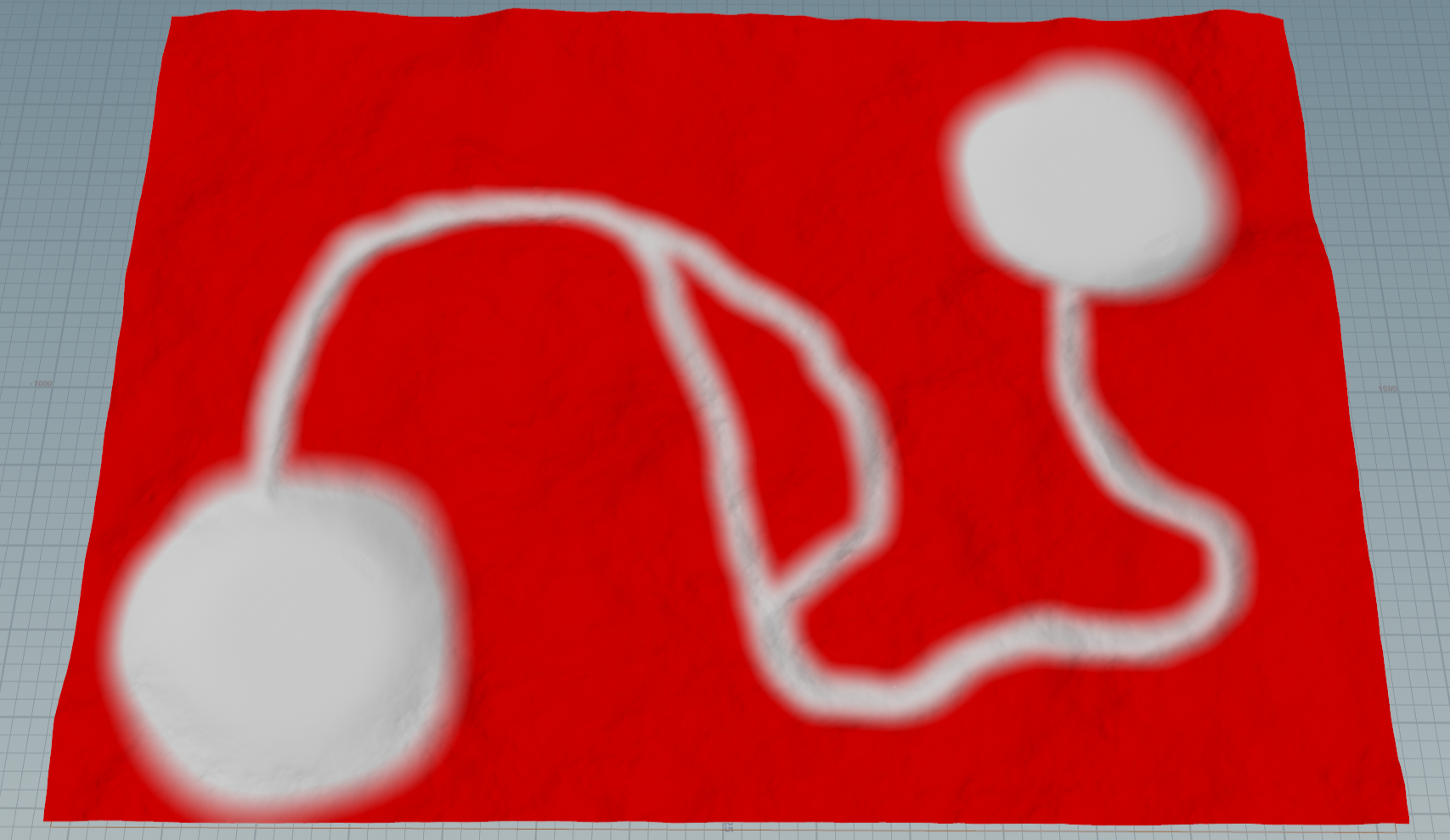
Trees Mask
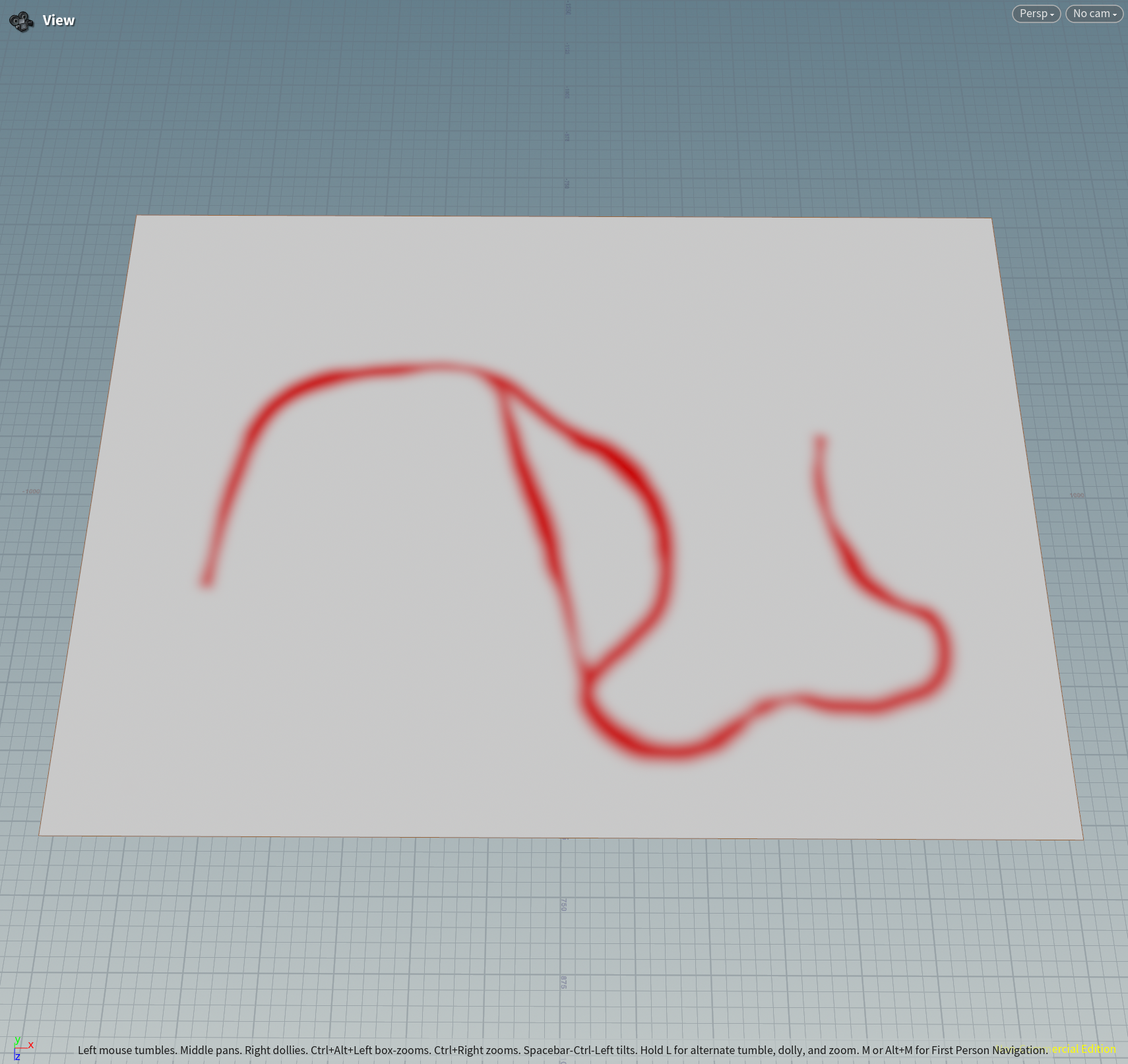
Mask for Paths
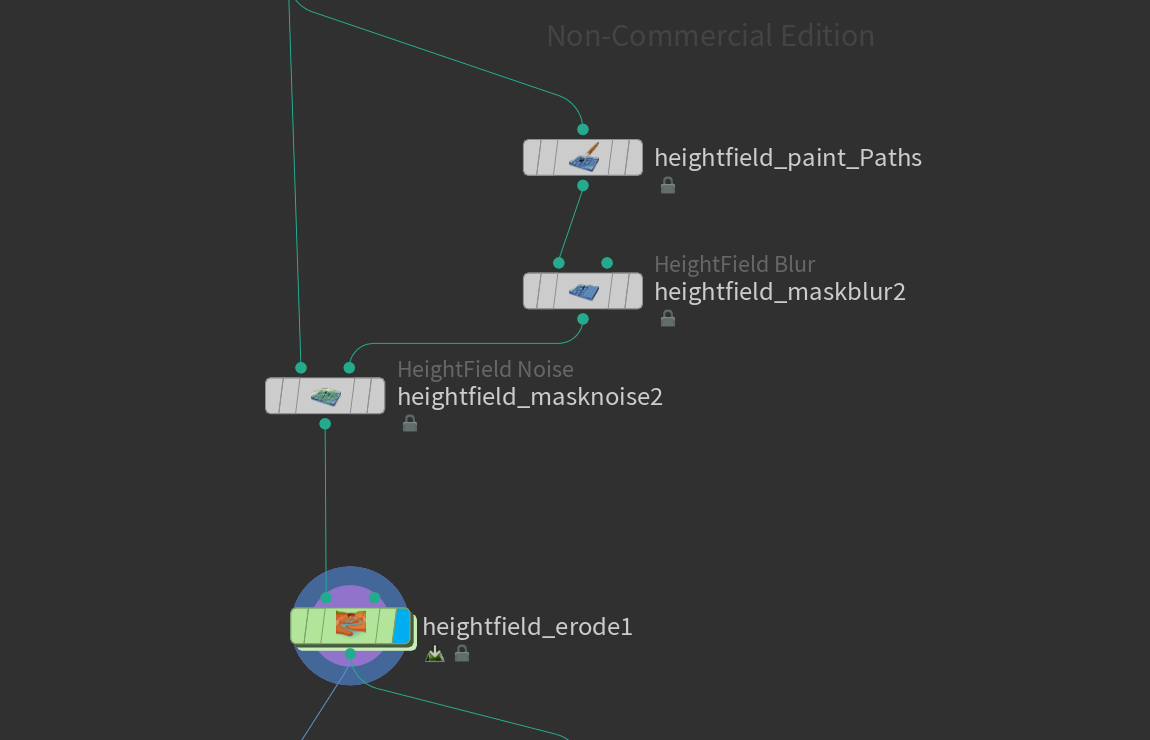
Node Tree for Photo Above
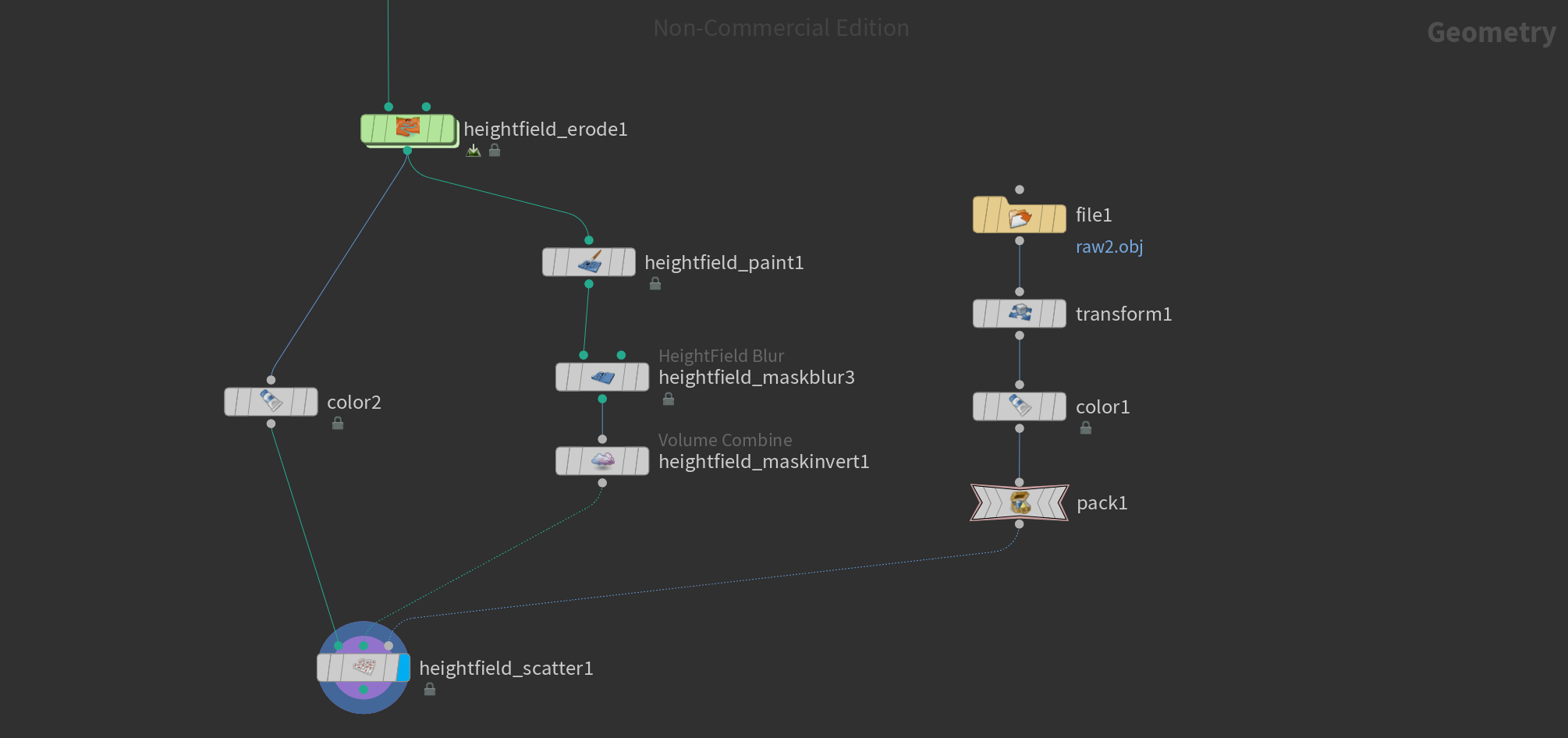
Trees Mask + Height Field Scatter + Copy to Points Node Tree
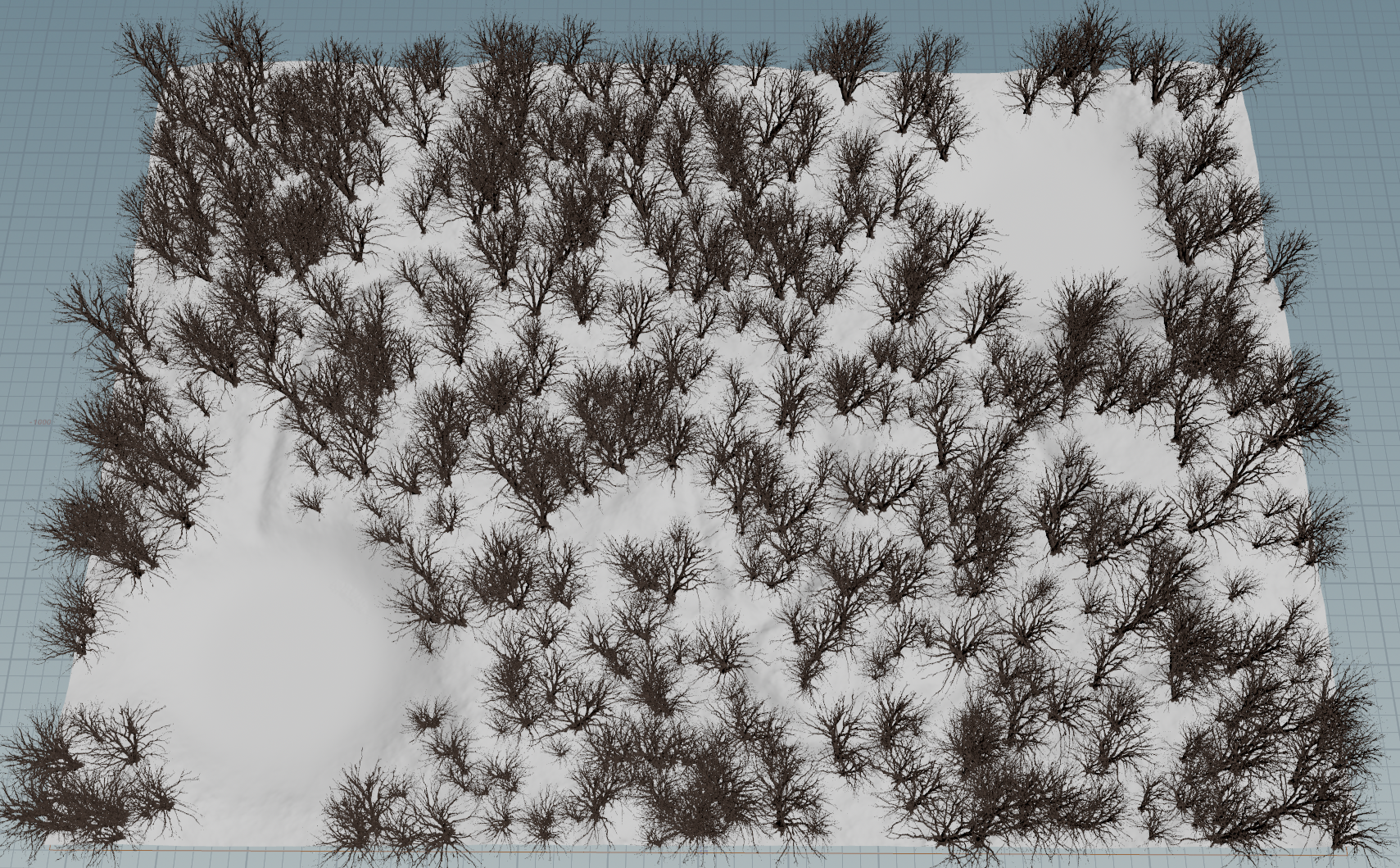
Trees Copied onto Height Field
To the left are the results of the Trees Mask photos above.
For next week I plan on adding in the river to the environment by using another mask. I also want to make the paths clearer by removing more trees. I will implement the tree models that were created for our project and start adding in more elements like rocks and bushes to add naturalism. I will also begin the texturing of the environment.